Odoo App · Automation & Workflow
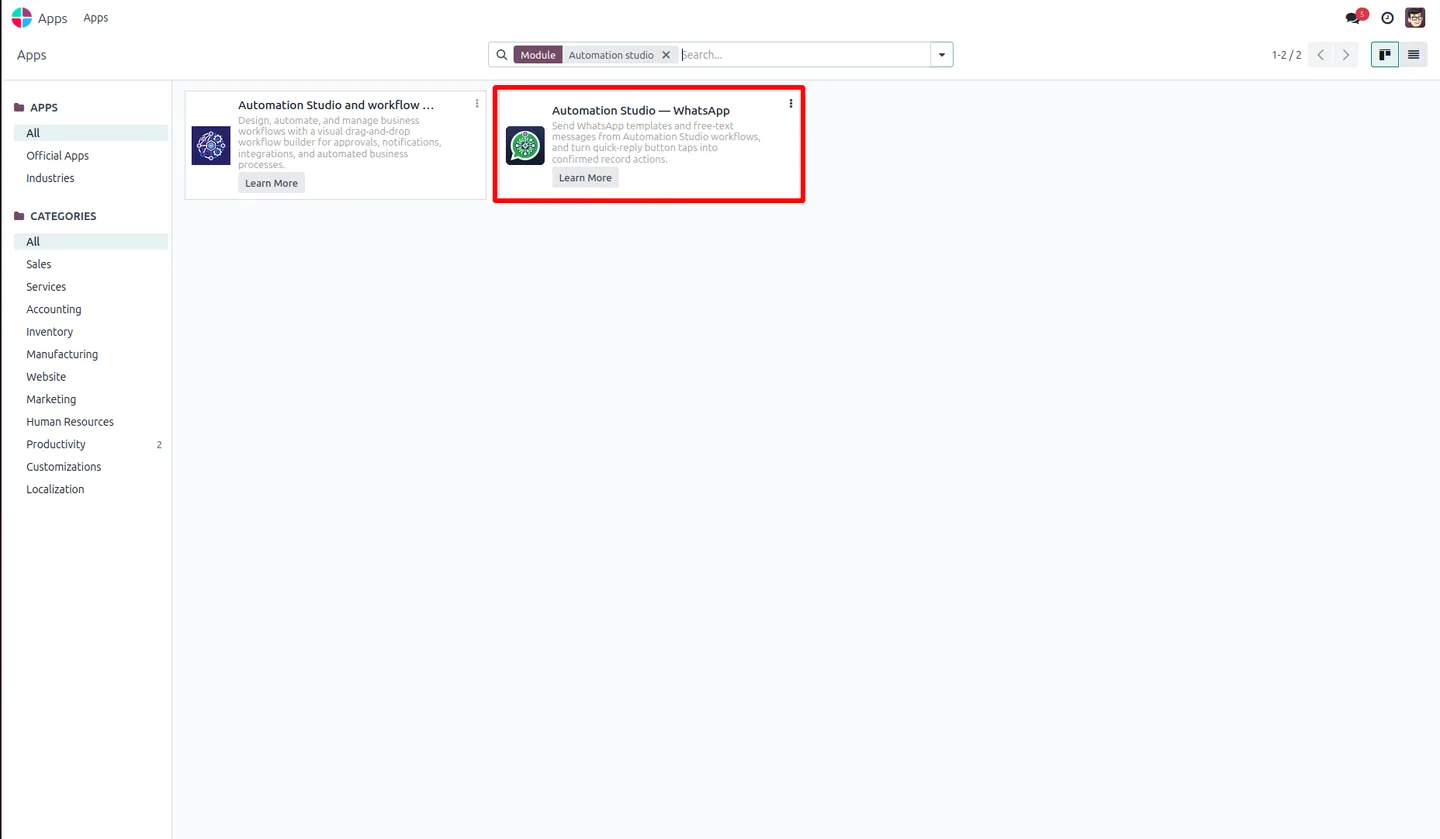
Automation Studio — WhatsApp
Add drag-and-drop WhatsApp Business messaging nodes to Automation Studio — send templates, map quick-reply buttons to actions, and chain workflows, no code.

Overview
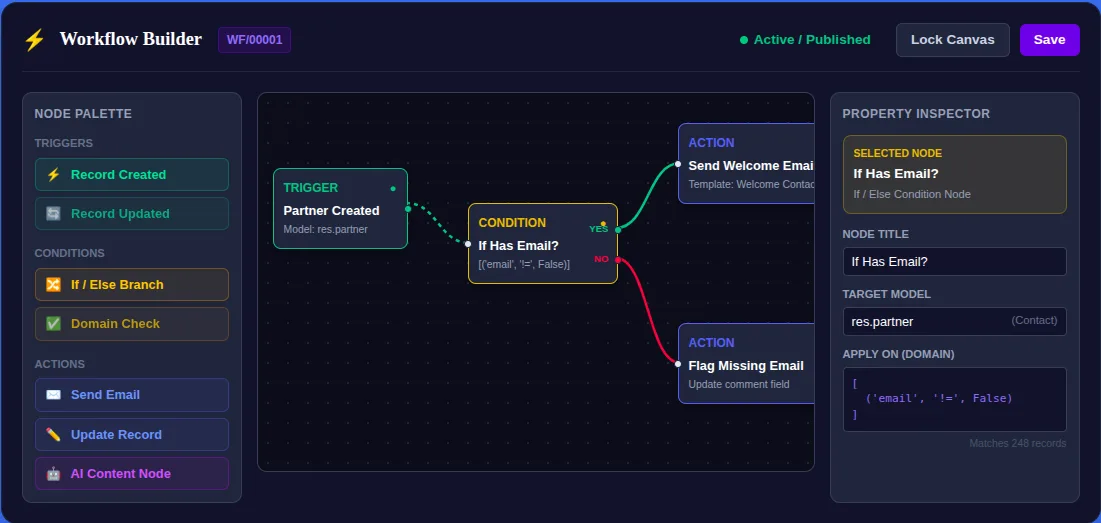
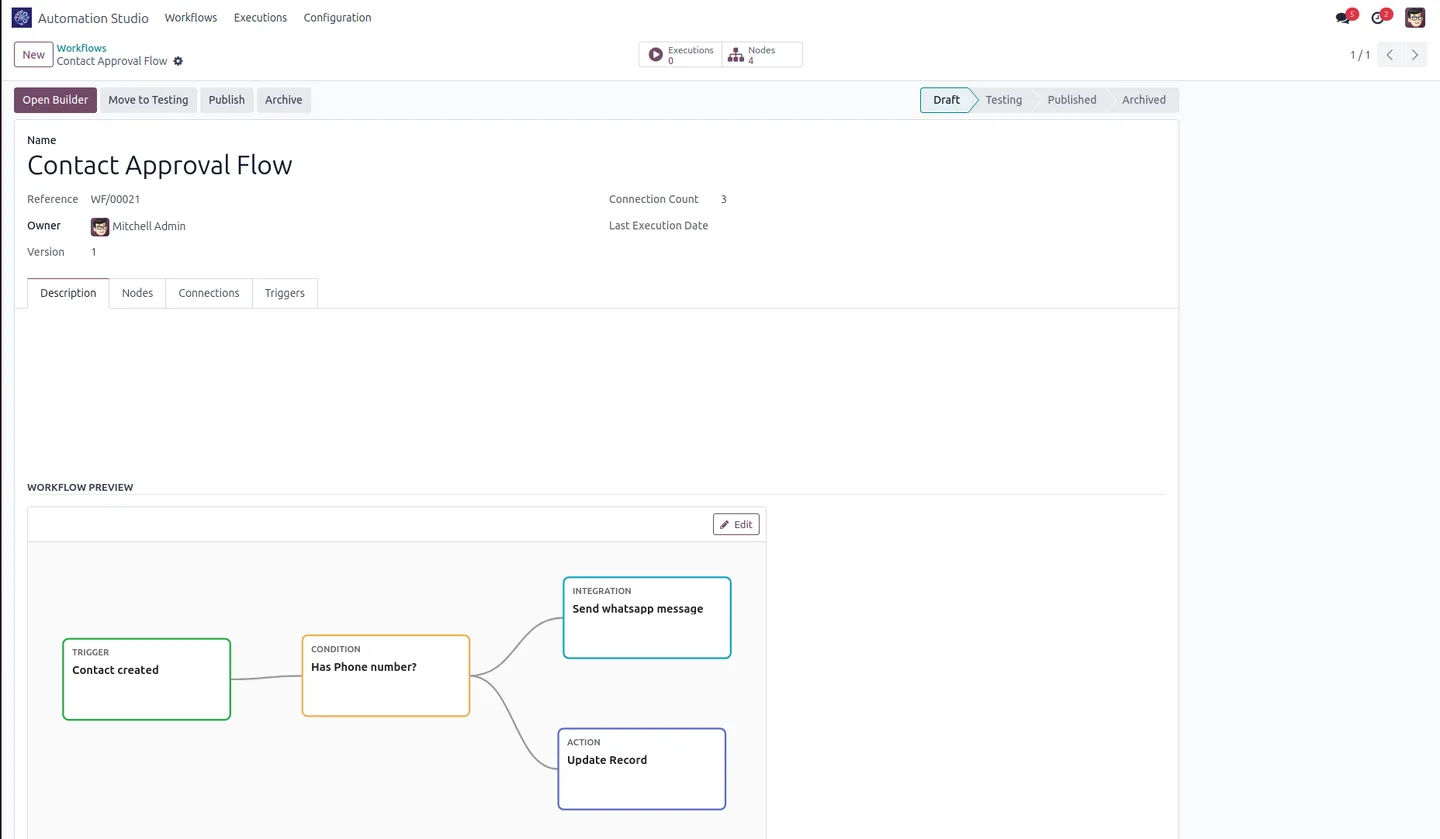
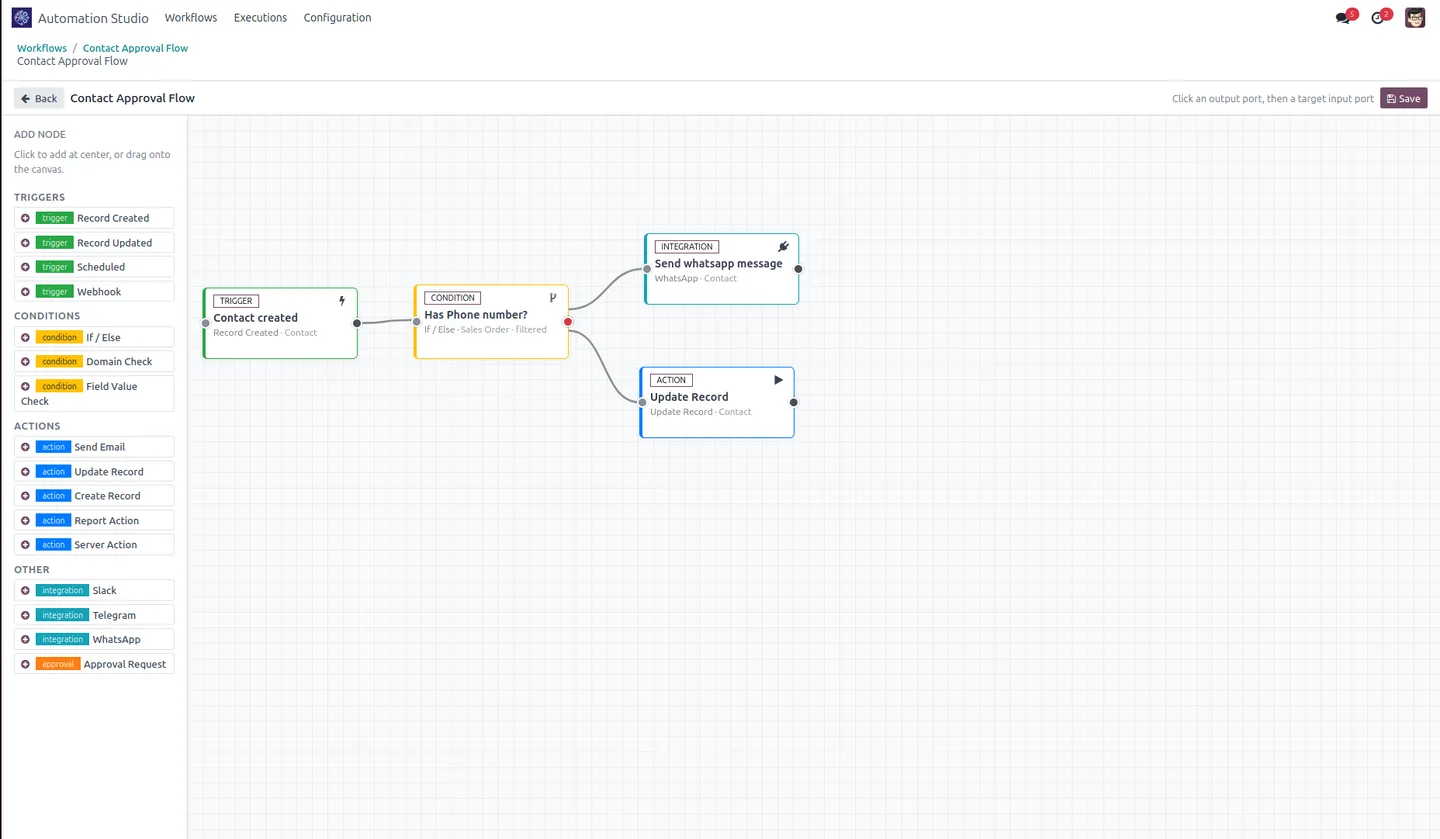
Automation Studio — WhatsApp extends the Automation Studio workflow builder with WhatsApp Business messaging, so you can add two-way WhatsApp steps to any visual workflow without code.
Built by TechUltra Solutions, it lets a workflow send Meta-approved templates or free-text session messages, then map the quick-reply buttons a customer taps to concrete Odoo actions — confirm an order, post an invoice, or trigger a server action.
Button responses can launch other published Automation Studio workflows on the same record, and inbound replies are matched back to the original message automatically so conversations stay tied to the right Odoo record. It requires the Automation Studio builder plus Odoo Enterprise's WhatsApp Messaging.
Key features
-
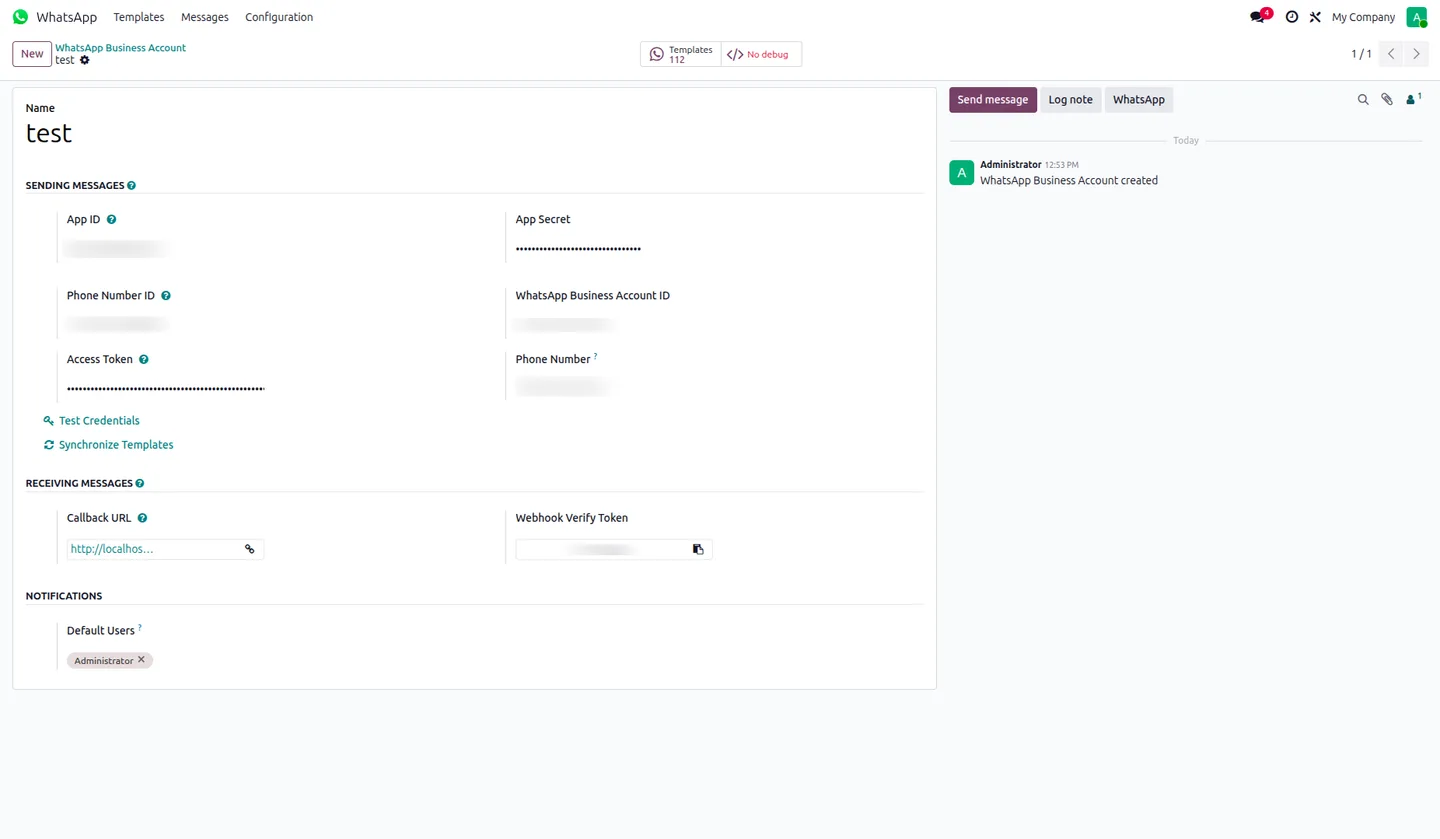
WhatsApp account node
Select a connected WhatsApp Business account, filtered by company — multi-company compatible.
-
Template & free-text messaging
Send Meta-approved templates or 24-hour session-window messages, chosen from the node inspector.
-
Quick-reply button mapping
Map button taps to actions such as confirming orders, posting invoices, or triggering server actions.
-
Workflow chaining
Route a button response to launch a separate published Automation Studio workflow on the same record.
-
Inbound reply handling
Incoming webhooks match replies to the original message, linking responses to the correct Odoo record.
-
Phone-number override
Use the default template phone number or override it per node with a static value or an expression.
-
Visual workflow builder
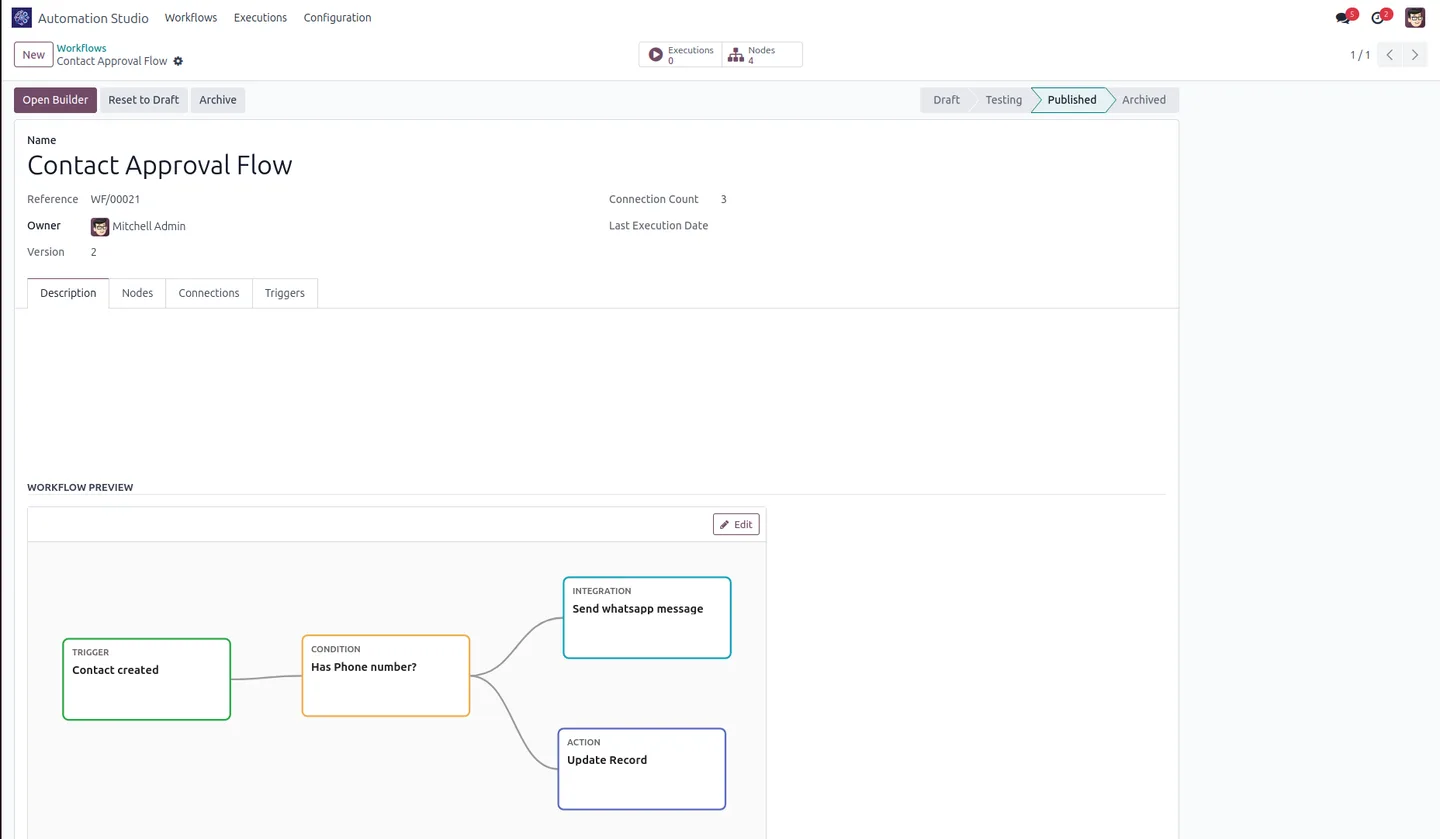
Publish workflows or move them to the testing sandbox for validation before live deployment.
Automation Studio — WhatsApp in Odoo
Every screen, in the order you meet it — configuration first, then the module in use.
Technical details
Specification
- Publisher
- TechUltra Solutions Private Limited
- Technical name
- automation_studio_whatsapp
- Odoo versions
- 16.0, 17.0, 18.0, 19.0 (Enterprise)
- License
- Odoo Proprietary License v1.0 (OPL-1)
- Price
- $79 (one-time)
Deployment
- Odoo Online
- Odoo.sh
- On-premise
Odoo dependencies
- Odoo Enterprise
- WhatsApp Messaging
- Discuss
- Automation Studio & Workflow Builder
Support
90 days of bug-fix support, Monday to Friday (10:00–19:00 IST). Raise a ticket at support@techultra.in.
Frequently asked questions
-
Is this a standalone module?
No. It's an add-on for the Automation Studio & Workflow Builder module — install that first. It also requires Odoo Enterprise's WhatsApp Messaging.
-
Can it send approved WhatsApp templates?
Yes. A WhatsApp node can send Meta-approved templates or free-text messages within the 24-hour session window, selected from the node inspector.
-
What happens when a customer taps a quick-reply button?
You map each button to an action — confirm an order, post an invoice, trigger a server action — or route it to launch another Automation Studio workflow on the same record.
-
Are inbound replies linked to the right record?
Yes. Incoming webhooks match replies to the original message, so responses are tied back to the correct Odoo record automatically.
-
Can I control which number a message is sent from?
Yes. Each node can use the default template phone number or override it with a static value or an expression evaluated at run time.
-
Which Odoo versions are supported?
The module supports Odoo 16.0, 17.0, 18.0, and 19.0 on the Enterprise edition (WhatsApp Messaging is an Enterprise feature).
Related services
Get the most out of this module with senior TechUltra consultants.
Odoo Customization Services
Tailored Odoo customizations from a Gold Partner — 200+ projects, upgrade-safe patterns, fixed-scope quotes, senior consultants. Free demo consultation.
Hire Odoo Developers
Hire certified Odoo developers from a Gold Partner — 400+ implementations, 92% satisfaction, Odoo since 2016. Silver / Gold / Platinum packages, free trial.
Odoo Support & Maintenance
Odoo Gold Partner support — 24/7 functional, technical, and server coverage for Enterprise and Community editions. Fast turnaround, free consultation.