
Odoo Gold Partner — Customization
Odoo Customization Services
Tailored Odoo customization from a Gold Partner — 400+ shipped projects across manufacturing, retail, sales, warehouse, education, and construction. Custom reports, dashboards, POS receipts, invoicing, and CRM workflows built to upgrade-safe patterns and delivered on time, on budget.
Last reviewed:
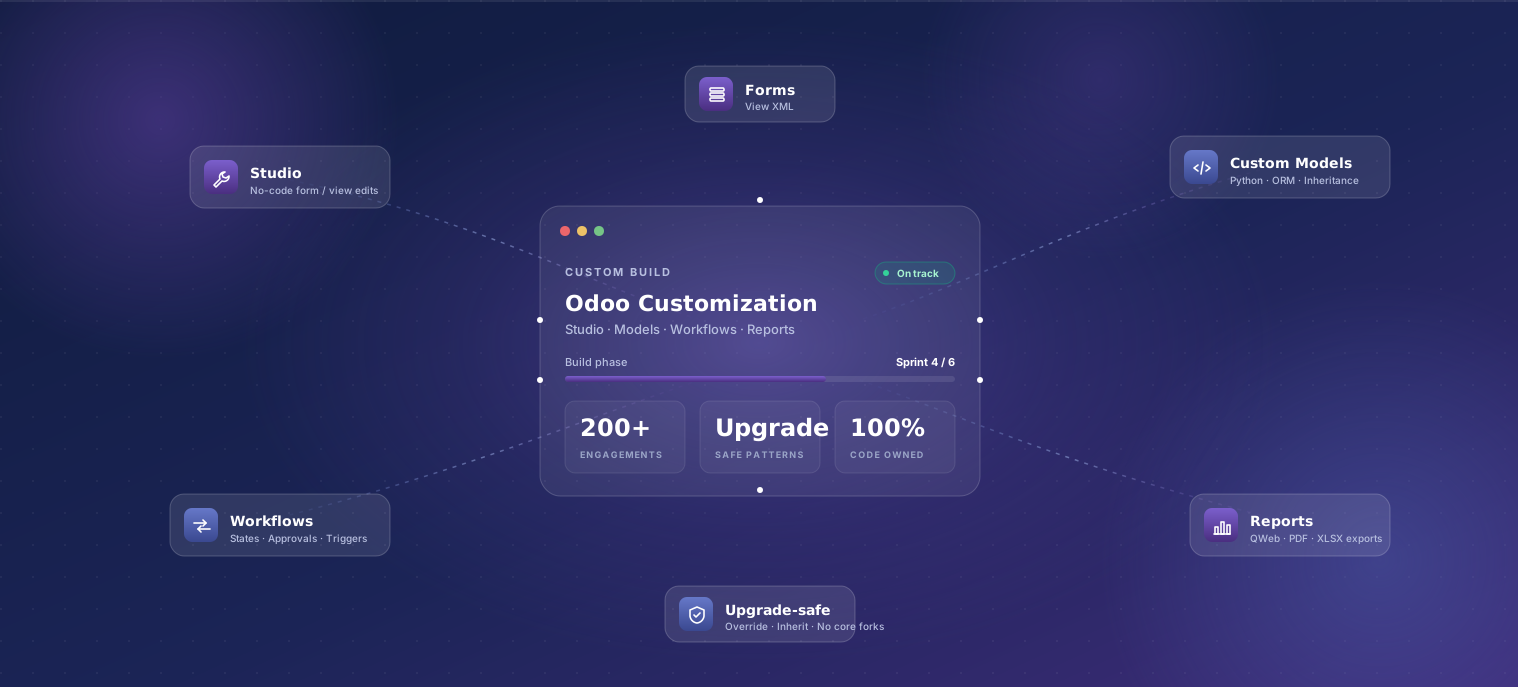
What's included
-
Requirements workshop
Half-day workshop with the people who'll use the customization. We map current pain points, draft acceptance criteria, and decide what's in/out of scope.
-
Custom Python modules
New modules following Odoo's official extension patterns — inheriting from base models, using upgrade-safe field definitions, avoiding monkey-patching.
-
Workflow customization
State machines, automated actions, multi-step approvals, and conditional logic on existing Odoo objects. Configured via studio where possible, code where needed.
-
Custom reports and dashboards
Reports built with QWeb (PDF/Excel/CSV) and OWL dashboards in the Odoo UI. Always with print-friendly and accessibility-aware layouts.
-
UI/UX customization
View overrides, custom widgets, branded themes, and OWL components for cases where the standard Odoo UX doesn't fit the task.
-
Automated tests
Unit and integration tests for all custom code. Tests run against the Odoo CI image so they catch breakage in future version upgrades early.
-
Documentation
Inline code comments, a written specification per module, and an admin/end-user guide. Everything you need to onboard a new developer or admin without us.
-
Code review and merge
Customizations land via pull request with code review. Your team can join the review process or take over from us at any point.
Our process
- 01 Scoping workshop 1–2 days
- 02 Fixed-scope quote 2–3 days
- 03 Build 2–6 weeks
- 04 User acceptance testing 3–5 days
- 05 Production deployment 1 day
- 06 30-day stabilization 30 days
-
Scoping workshop
1–2 daysHalf-day to one-day workshop to map requirements, identify edge cases, and write acceptance criteria. Output: a written specification.
-
Fixed-scope quote
2–3 daysWe write a fixed-price quote based on the spec — including effort breakdown by module, dependencies, and assumptions called out explicitly.
-
Build
2–6 weeksIterative two-week sprints with weekly demos. Code lands in a feature branch with a UAT environment your team can poke at.
-
User acceptance testing
3–5 daysReal-data UAT with the people who'll use the feature. Bug fixes happen during the sprint; scope changes go through change-control.
-
Production deployment
1 dayCode deploys to production via the same release process as the rest of your Odoo instance. Smoke tests run automatically post-deploy.
-
30-day stabilization
30 daysFree bug-fix window for issues uncovered in production. Issues outside the original spec are quoted as new work.
Typical timeline
Most customization engagements run 2–6 weeks of build time once the spec is signed off. A simple workflow tweak (one model, one form) ships in 3–5 days. A custom multi-module flow with new objects, custom reports, and a third-party integration runs 4–6 weeks. We start sprinting within a week of contract signature unless your team needs extra ramp time on requirements. Critical fixes can be slotted into a running implementation without restarting the timeline.
What affects the price
Every engagement is fixed-scope after a paid one-week discovery. These are the levers that move a quote up or down.
-
Scope of new code
New objects, new forms, and new reports each have a typical effort range. The spec lists every item and its quoted hours, so trimming scope to fit budget is straightforward.
-
Integration with third-party systems
Calling out to external APIs, webhooks, or vertical SaaS tools adds 1–3 weeks per integration depending on the third party's API quality.
-
Existing customization complexity
Layering new customizations on top of legacy customizations from a previous partner takes longer — we audit the existing code before quoting.
-
Testing depth
All custom code ships with automated tests. Higher-stakes features (e.g. revenue recognition, regulatory reporting) get more comprehensive test suites which adds time.
-
Documentation depth
Standard inline code comments + a one-page spec are included. White-glove documentation (admin guides, end-user PDFs, video walkthroughs) is scoped separately.
Who this is for
Existing Odoo users — whether on a self-managed Community edition, on Odoo.sh, or running an instance built by another partner — who need behavior the standard modules don't cover. Common triggers: an unusual approval chain, a vertical-specific report regulators require, a custom calculation that's currently tracked in a spreadsheet, or a third-party system you need wired into Odoo. If you don't have Odoo running yet, start with Odoo Implementation; customization happens during or after.
Why TechUltra for odoo customization
-
Upgrade-safe by default
We follow Odoo's official extension patterns so customizations survive major version upgrades. We've moved clients from Odoo 15 → 19 with minimal customization rework — no rewrites, no surprise costs.
-
Tests on every PR
All custom code lands with automated unit and integration tests. Tests run against the Odoo CI image so version-upgrade breakage gets caught immediately.
-
Code review you can join
Customizations ship via pull request with code review. Your team can join the review or take over from us at any point — there's no lock-in.
-
Specs you can sign off on
Every customization starts with a written spec. Acceptance criteria are explicit. Change requests go through documented change-control, not 'just adding one more thing' to the invoice.
Why hire a Gold Partner over freelancers?
Customization is one of the easiest places to over-spend on the wrong help. The same module change costs different money — and very different long-term risk — depending on who writes it. Here's the honest comparison from production.
| Factor | Odoo Gold Partner (TechUltra) | Non-experts / freelancers |
|---|---|---|
| Cost & reliability | Cost-effective, predictable, and reliable | Cheap upfront, often unreliable in production |
| Default functionality | Extends Odoo without breaking standard behavior | Frequently breaks default flows during customization |
| Technical & functional knowledge | Senior consultants with deep technical and functional expertise | Often missing one side — strong code, weak process (or vice versa) |
| Standard procedure | Strictly follows Odoo's official extension patterns | May deviate from standard paths — fragile under upgrades |
| Coding standards | High — code review, testing, and linting on every commit | Lower — varies wildly between developers |
| Maintenance | Easy to maintain across upgrades | Maintenance complications surface 6–12 months in |
| Performance | Steady performance under production load | Performance issues surface as data and users grow |
| After-sales support | Documented SLA, dedicated team, predictable response times | Often unavailable when most needed |
| Enterprise source code access | Full access via Odoo Gold Partner status | Not accessible — community edition only |
Source: TechUltra Solutions production data across 200+ Odoo customization engagements (2016–2025).
Featured case studies
- Container Sales & Rental / Logistics
Mattson Group
Migrated a Europe-wide container sales and rental business from Odoo v9 Community to v16 Enterprise and brought 7 modules live in 24 weeks.
Read case studyv9 → v16
Major-version migration
- Specialty Food Retail / D2C
The Miller Stores
Replatformed a specialty food retailer with 7+ outlets from a custom ERP to Odoo 17 Enterprise — 6 modules in 14 weeks.
Read case study7+
Retail shops
Frequently asked questions
-
Will my customizations break when Odoo upgrades?
Not if they're written correctly. We follow Odoo's official extension patterns (inheriting from base models, upgrade-safe field definitions, avoiding monkey-patching) specifically so customizations survive major-version upgrades. We've upgraded clients from Odoo 15 to 19 across major version jumps with minimal rework.
-
Can you customize the Odoo UI itself?
Yes — view overrides, custom widgets, OWL components, and branded themes are all in scope. We start with the question: does this need to be a UI change or can it be solved with better defaults / training? Most 'we need a new screen' requests turn out to be solved with a 30-minute view tweak instead.
-
Do you customize Odoo Community or only Enterprise?
Both. The customization patterns are nearly identical. We'll be honest about cases where an Enterprise-only feature would solve your problem with no code — sometimes upgrading to Enterprise is cheaper than customizing Community.
-
Can you fix or extend customizations from another partner?
Yes — we've inherited many partner-built codebases. Our first step is a code audit: what's there, what's broken, what needs rewriting vs. what can stay. We share the audit before quoting work so you know the state of the system before paying for changes.
-
Will I be able to maintain the customizations myself?
If you have a Python developer, yes. We document every module, write tests, and follow the same patterns Odoo's own team uses — so any developer who can read Odoo's source can read ours. Many clients take over day-two maintenance after the 30-day stabilization period.
-
What's a typical customization timeline?
A simple workflow tweak (one model, one form) ships in 3–5 days. A custom multi-module flow with new objects and custom reports runs 2–4 weeks. A complex integration with a third-party system runs 4–6 weeks. We start sprinting within a week of contract signature.
-
Do you do studio-only customizations or only code?
Both — we use Odoo Studio for fast prototyping and lightweight customizations, then convert to proper code when the change becomes load-bearing or needs version control. We'll tell you which approach fits each request rather than defaulting to one.
-
Can we get the source code for our customizations?
Always. All custom code is yours from day one — delivered via Git, hosted in your repo or ours (your choice), with full commit history. There's no source-code-escrow gimmick or lock-in.