
Odoo Gold Partner — Migration
Odoo Migration Services
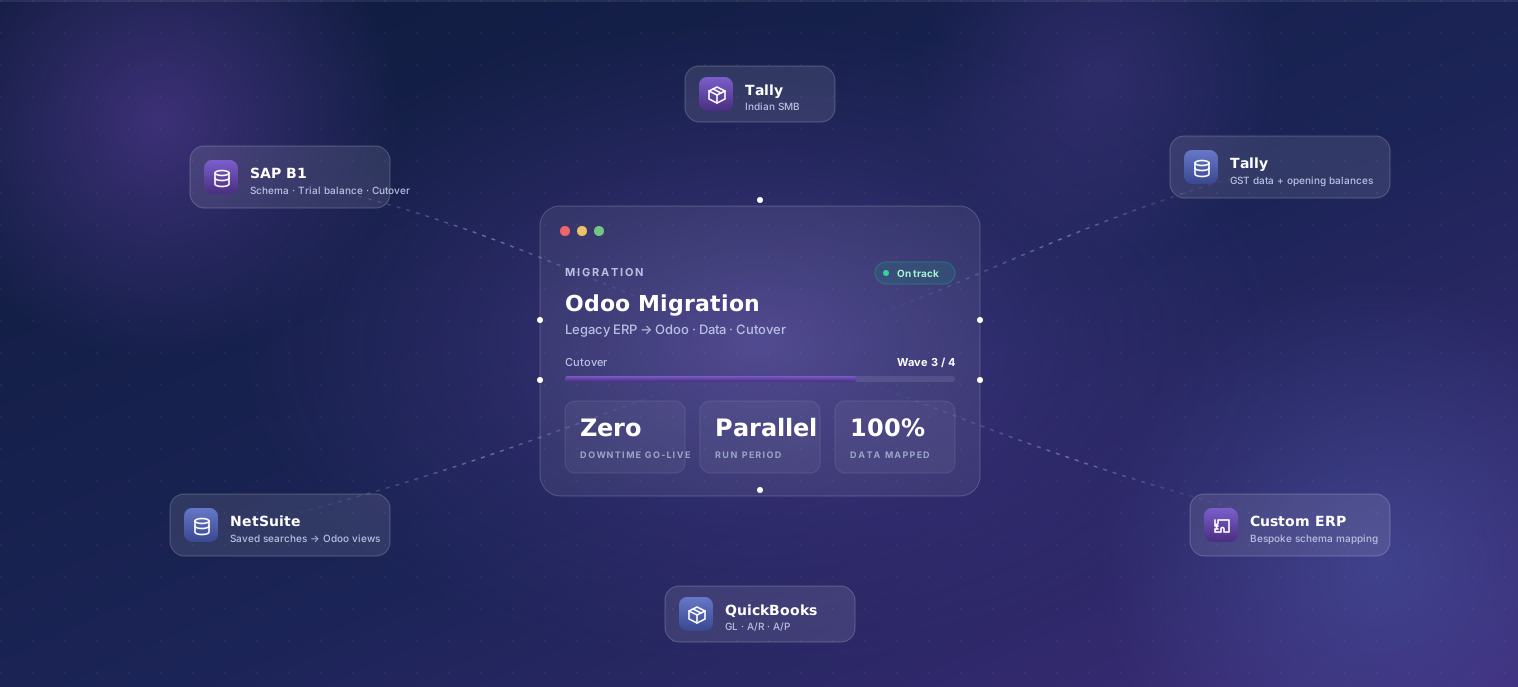
Safe, hassle-free Odoo upgrades and migrations from SAP, QuickBooks, Tally, NetSuite, Microsoft Dynamics, or older Odoo versions. Zero data loss, minimal downtime, and a four-stream playbook (Data Migration → Module Migration → System Migration → Version Upgrades) delivered by an Odoo Gold Partner.
Last reviewed:
What's included
-
Source-system audit
Read-only access to your current ERP. We document data structures, custom fields, integrations, custom code, and all the undocumented tribal knowledge.
-
Data mapping
Field-by-field mapping from your source system to Odoo. Edge cases, legacy values, and data-quality issues are flagged for cleanup before cutover.
-
Migration scripts
Idempotent migration scripts written in Python — re-runnable as many times as you need against staging before the production cutover.
-
Process redesign
Many 'must-have' source-system features turn out to be workarounds for old problems. We map current processes to Odoo's defaults and flag where defaults are better.
-
Custom feature port
Custom features in your source system get ported to Odoo only if they still solve a real problem. We don't recreate dead workflows just because they exist.
-
Integration rebuild
Connectors to your CRM, payment gateway, e-commerce, and vertical SaaS rebuilt against Odoo's API. We re-test each integration end-to-end during UAT.
-
Parallel-run period
Both systems run in parallel for 2–4 weeks before cutover. Daily reconciliation reports flag any discrepancies before they compound.
-
Cutover and rollback rehearsal
Cutover happens on a documented checklist that we rehearse end-to-end. A rollback plan is documented and tested — used twice in 9 years, both successful.
Our process
- 01 Discovery + source audit 2 weeks
- 02 Migration blueprint 1–2 weeks
- 03 Build and migration scripting 8–14 weeks
- 04 User acceptance testing 2 weeks
- 05 Parallel-run period 2–4 weeks
- 06 Cutover and hypercare 1 weekend + 90 days
-
Discovery + source audit
2 weeksTwo-week deep dive into your current ERP — data, integrations, custom code, undocumented behavior. Output: a written diagnostic and risk register.
-
Migration blueprint
1–2 weeksField-level data mapping, custom-feature port list, integration rebuild plan, parallel-run plan, and cutover playbook. All signed off before build.
-
Build and migration scripting
8–14 weeksIterative two-week sprints. Migration scripts run against staging from week one. Custom features and integrations rebuilt in parallel.
-
User acceptance testing
2 weeksReal-data UAT with the team running their actual workflows. Migration scripts re-run as many times as needed against staging until UAT passes.
-
Parallel-run period
2–4 weeksBoth old and new systems run side-by-side for 2–4 weeks. Daily reconciliation reports highlight any discrepancies. Issues fixed in scripts and re-run.
-
Cutover and hypercare
1 weekend + 90 daysCutover weekend with rehearsed rollback. 90 days of post-launch hypercare from a dedicated team after the new system is live.
Typical timeline
A typical mid-market migration runs 14–24 weeks end to end: 2 weeks audit, 1–2 weeks blueprint, 8–14 weeks build, 2 weeks UAT, 2–4 weeks parallel run, then cutover. The parallel-run period is non-negotiable — it's how we catch the data-quality issues that always surface only with real production transactions. Migrations from clean modern systems (NetSuite, Zoho) are faster than from legacy systems with 10+ years of accumulated edge cases (custom-built ERPs, old SAP installations). Multi-entity migrations are phased: lead market first, then expand.
What affects the price
Every engagement is fixed-scope after a paid one-week discovery. These are the levers that move a quote up or down.
-
Source-system complexity
Migrating from a clean modern SaaS ERP is faster than from a 12-year-old custom system with no API and inconsistent data. We audit before quoting so you know what you're paying for.
-
Data depth and history
Migrating master data + 12 months of transactions is fast. Migrating 5+ years of history with full reconcilability adds 2–4 weeks. We'll honestly tell you when older history is better off in cold storage.
-
Custom feature port count
Each custom feature ported to Odoo carries an effort estimate. Our default is to port nothing and let the team try Odoo's defaults during UAT — most 'must-have' features turn out to be workarounds.
-
Integration rebuild count
Each connector to a third-party system needs to be re-pointed at Odoo and re-tested. The cost depends on how the integration was originally built, not just the count.
-
Parallel-run duration
Two-week parallel runs are standard. Highly regulated industries (healthcare, financial services) often run 4 weeks for additional reconciliation passes — adds duration, not necessarily complexity.
-
Cutover risk profile
Quiet-period cutovers (e.g. between fiscal quarters, during a low-traffic week) cost less than cutovers during peak season because the rollback risk is lower. We help schedule for the lower-risk window.
Who this is for
Teams running an ERP that no longer fits — too rigid, too expensive, missing features your business has grown into, or built by a partner who's no longer responsive. Common starting points: SAP Business One renewal coming up, NetSuite costs scaling unsustainably, Tally hitting a ceiling with multi-entity needs, a custom ERP whose original developer left. If you're on Odoo already and need to upgrade major versions, this still applies — Odoo 15 → 19 is functionally a migration even though it's the same platform.
Why TechUltra for odoo migration
-
Migrations completed across 9 ERPs
We've moved clients off SAP Business One, NetSuite, Microsoft Dynamics 365, Tally, Zoho, QuickBooks, custom-built systems, older Odoo versions, and IFS. Every migration starts with reading the playbook for that source system.
-
Idempotent, re-runnable scripts
Our migration scripts are designed to be run as many times as you need against staging. Scripts are version-controlled, tested, and reviewed before they ever touch production data.
-
Documented rollback plan
Every cutover ships with a rehearsed rollback plan. We've used it twice since 2016 (both successful). Knowing rollback is real changes how confident your team can be at cutover.
-
Process-first, not feature-first
We map current processes to Odoo's defaults before listing custom features to port. Many 'must-have' features turn out to be workarounds for problems that don't exist in Odoo.
Featured case studies
Frequently asked questions
-
How long does an Odoo migration take?
Mid-market migrations typically run 14–24 weeks end to end, including a 2–4 week parallel-run period before cutover. Migrations from clean modern systems (NetSuite, Zoho) are faster; migrations from legacy custom-built ERPs with 10+ years of history take longer. Multi-entity migrations are phased — lead market first, then expand to other countries.
-
Will we lose data during the migration?
No data-loss events since 2016 across 100+ migrations. Migrations run via idempotent scripts against a staging environment first, with daily reconciliation reports during the parallel-run period to catch any discrepancies before cutover. The rollback plan is documented and rehearsed; we've used it twice and both rollbacks were successful.
-
Can you migrate historical transactional data?
Yes — we routinely migrate 3–5 years of transactional history with full reconcilability. Older history (5+ years) gets a cost/value conversation: most teams find that beyond 3 years, history is better archived in cold storage and queried via reports rather than living in the production ERP.
-
What if our source system has no API?
Common — many legacy ERPs have no usable API. We work with database-level exports (CSV, SQL dumps), screen-scrape where we have to, and sometimes write a custom adapter on the source side. We've migrated from systems with literally no programmatic access; it adds 1–2 weeks but isn't a blocker.
-
Can we keep our custom features in Odoo?
Most should not be ported. We map current processes to Odoo's defaults first — most 'must-have' features turn out to be workarounds for problems Odoo solves natively. Custom features that still solve real problems get a fixed-scope quote and ported during the build phase.
-
Do you handle the parallel-run period?
Yes — parallel-run is part of every migration engagement. Both old and new systems run simultaneously for 2–4 weeks, with daily reconciliation reports highlighting any discrepancies. Most teams find this is when they catch the long-standing reconciliation bugs their legacy system had been hiding.
-
What about our existing integrations?
Each connector gets rebuilt against Odoo's API and re-tested end-to-end during UAT. We list every integration in the migration blueprint with effort estimates so trade-offs are visible upfront. Some integrations turn out to be unused — those get retired rather than rebuilt.
-
Can you migrate us between major Odoo versions?
Yes — Odoo major version upgrades (e.g. 15 → 19) are functionally a migration even on the same platform. Custom modules need code review for upgrade-safety, data structures sometimes change between versions, and integrations re-tested. We've upgraded clients across 4 major versions with minimal customization rework.