
Odoo App · WhatsApp & Messaging
WhatsApp Flows (Enterprise)
Send interactive WhatsApp Flows from Odoo Enterprise — forms, lists, and product messages.

Overview
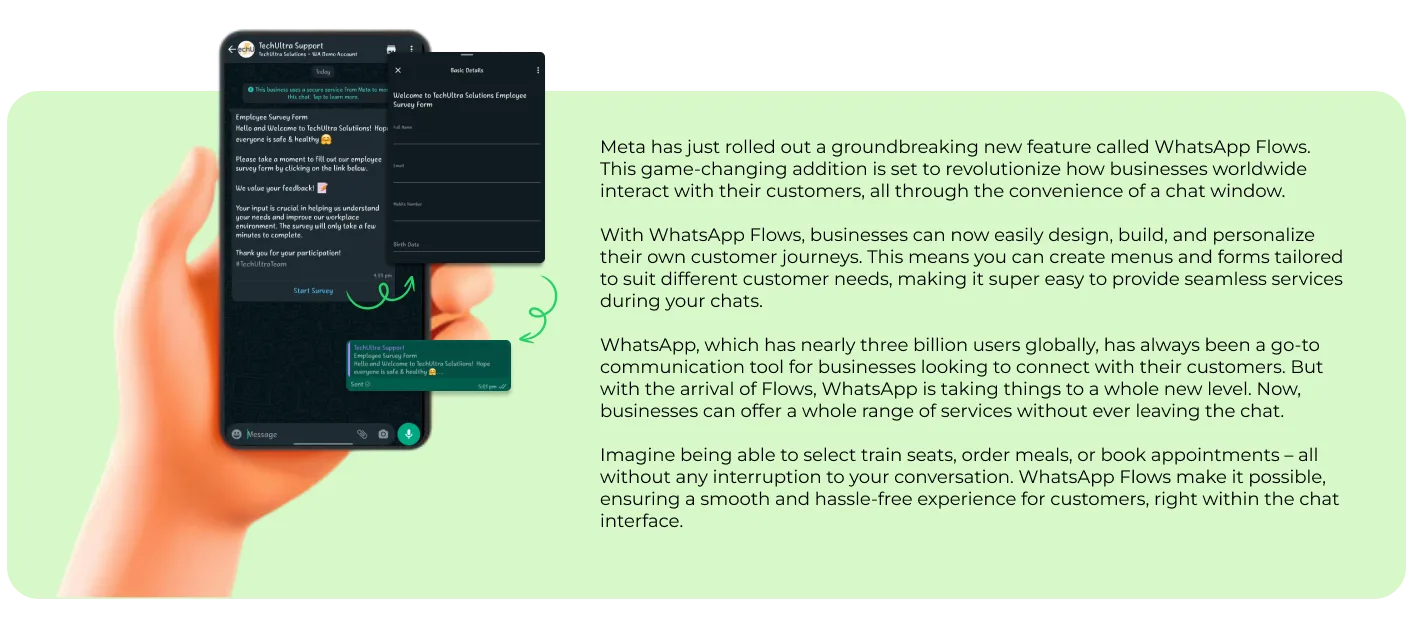
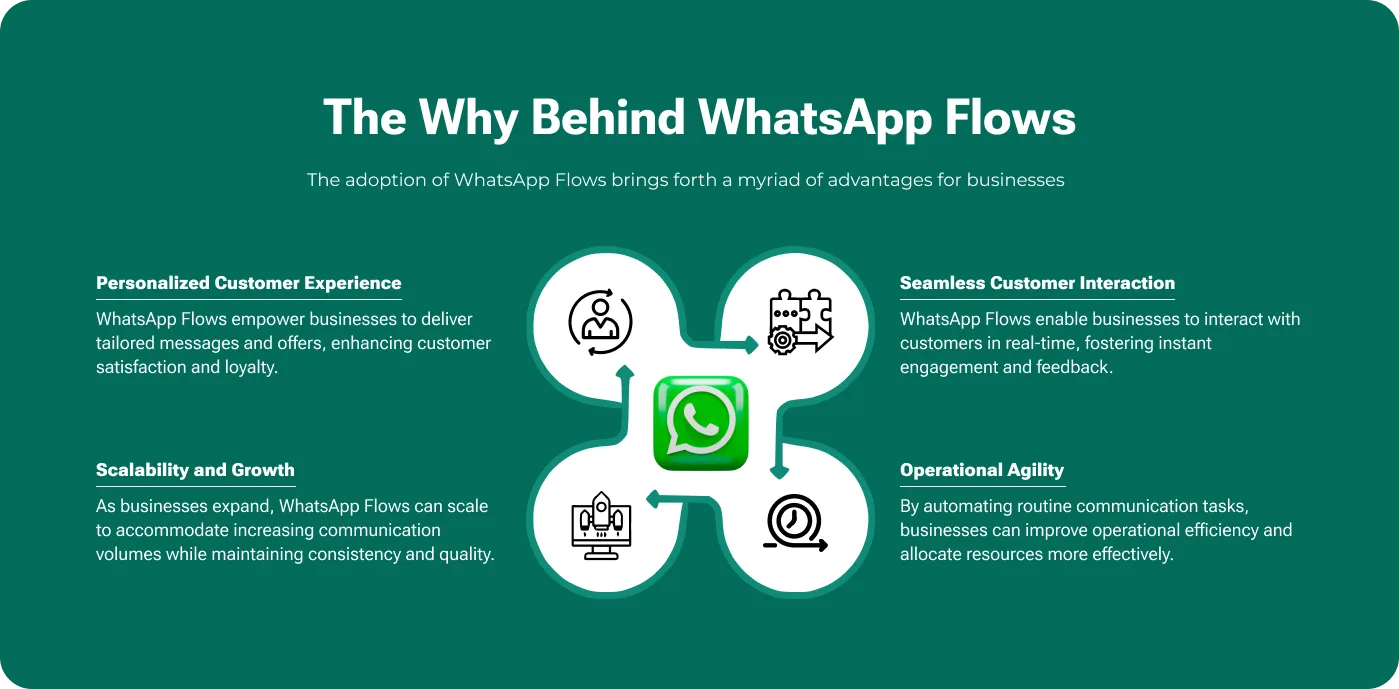
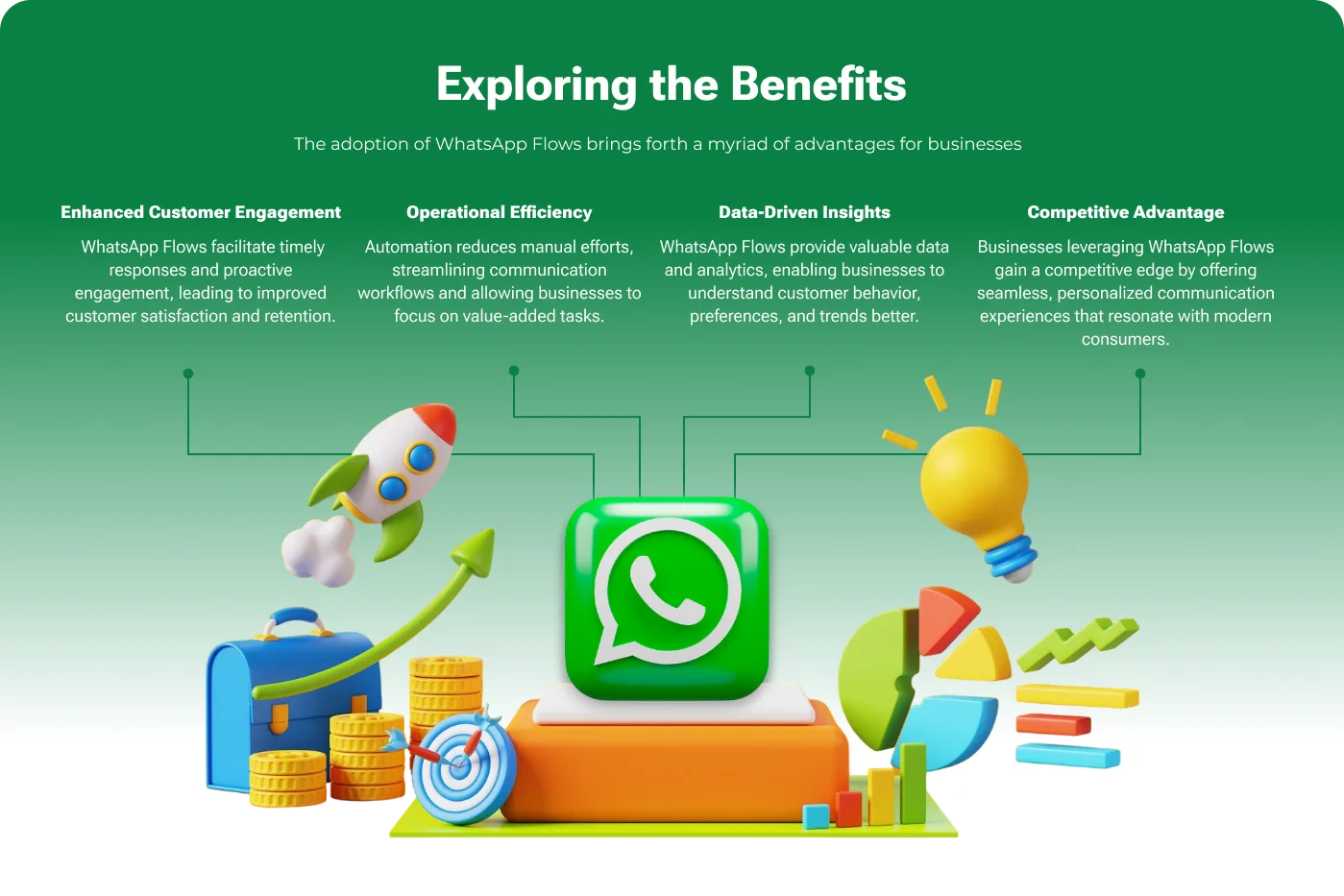
WhatsApp Flows (Enterprise) builds interactive WhatsApp messaging on top of the WhatsApp Messaging app that ships with Odoo Enterprise. Instead of plain text replies, your team can send structured Flows — list menus, quick-reply buttons, and product messages — that customers tap through inside WhatsApp.
Built by TechUltra Solutions, the module connects to Meta's WhatsApp Cloud API and works with pre-approved message templates across the Marketing, Utility, Authentication, and Service categories. It handles both service conversations a customer starts and business conversations you initiate.
Pricing follows Meta's conversation model: each 24-hour conversation window allows unlimited messages with no per-message charge. The module manages that window for you, so sales and support teams can run guided WhatsApp interactions without leaving Odoo.
Key features
-
WhatsApp Cloud API integration
Connects the Odoo Enterprise WhatsApp app to Meta's official WhatsApp Cloud API, so messaging runs on Meta-hosted infrastructure with no third-party gateway.
-
Interactive list messages
Send list messages that show customers a tappable menu of options inside WhatsApp, making it easy to collect a structured choice in one reply.
-
Quick-reply buttons
Add reply buttons to messages so customers respond with a single tap instead of typing, which speeds up support and qualification conversations.
-
Single and multi-product messages
Share one product or a multi-product catalogue message in WhatsApp, letting customers browse items directly in the chat.
-
Pre-approved message templates
Works with WhatsApp templates across the Marketing, Utility, Authentication, and Service categories, all approved through Meta before use.
-
Multimedia and text templates
Supports both text-based templates and multimedia templates, so messages can carry images, documents, and other media alongside copy.
-
24-hour conversation window
Manages Meta's 24-hour conversation window automatically, allowing unlimited messages within each window under the conversation-based pricing model.
-
Service and business-initiated conversations
Handles conversations a customer starts and conversations your team initiates, covering inbound support and outbound outreach from one module.
WhatsApp Flows (Enterprise) in Odoo
Every screen, in the order you meet it — configuration first, then the module in use.


Technical details
Specification
- Publisher
- TechUltra Solutions Private Limited
- Technical name
- whatsapp_flows_enterprise
- Odoo versions
- 17.0, 18.0, 19.0
- Lines of code
- 1,200
- License
- LGPL-3
- Price
- $58 (one-time)
Deployment
- Odoo Online
- Odoo.sh
- On-premise
Odoo dependencies
- Discuss
Support
90 days of bug-fix support, Monday to Friday (10:00–19:00 IST). Raise a ticket at support@techultra.in.
Setup & configuration
From install to first call — here is the path.
- 1
Install the module
In Odoo, open Apps, remove the Apps filter, search for “WhatsApp Flows (Enterprise)”, and click Install. This module requires Odoo Enterprise and its WhatsApp Messaging app.
- 2
Prepare a WhatsApp Business Account
Set up a WhatsApp Business Account with Meta and enable the WhatsApp Cloud API for it. You need an active business account before connecting Odoo.
- 3
Generate Cloud API credentials
In Meta's developer tools, collect the WhatsApp Cloud API credentials and generate a permanent access token so Odoo can authenticate without re-issuing tokens.
- 4
Connect WhatsApp in Odoo
Enter the Cloud API credentials in the Odoo WhatsApp configuration and link your WhatsApp Business phone number to the account.
- 5
Approve message templates
Create and submit your Marketing, Utility, Authentication, and Service templates to Meta for approval, then use them in Odoo once approved.
- 6
Send a WhatsApp Flow
From a chat or template, send a list message, reply buttons, or a product message to confirm Flows are delivered and replies sync back into Odoo.
Frequently asked questions
-
Does this module require Odoo Enterprise?
Yes. WhatsApp Flows (Enterprise) extends the WhatsApp Messaging app that ships only with Odoo Enterprise. It is the enterprise-edition counterpart to TechUltra's community WhatsApp Flows module.
-
Which Odoo versions are supported?
The module supports Odoo 17.0, 18.0, and 19.0 on the Enterprise edition.
-
What are WhatsApp Flows?
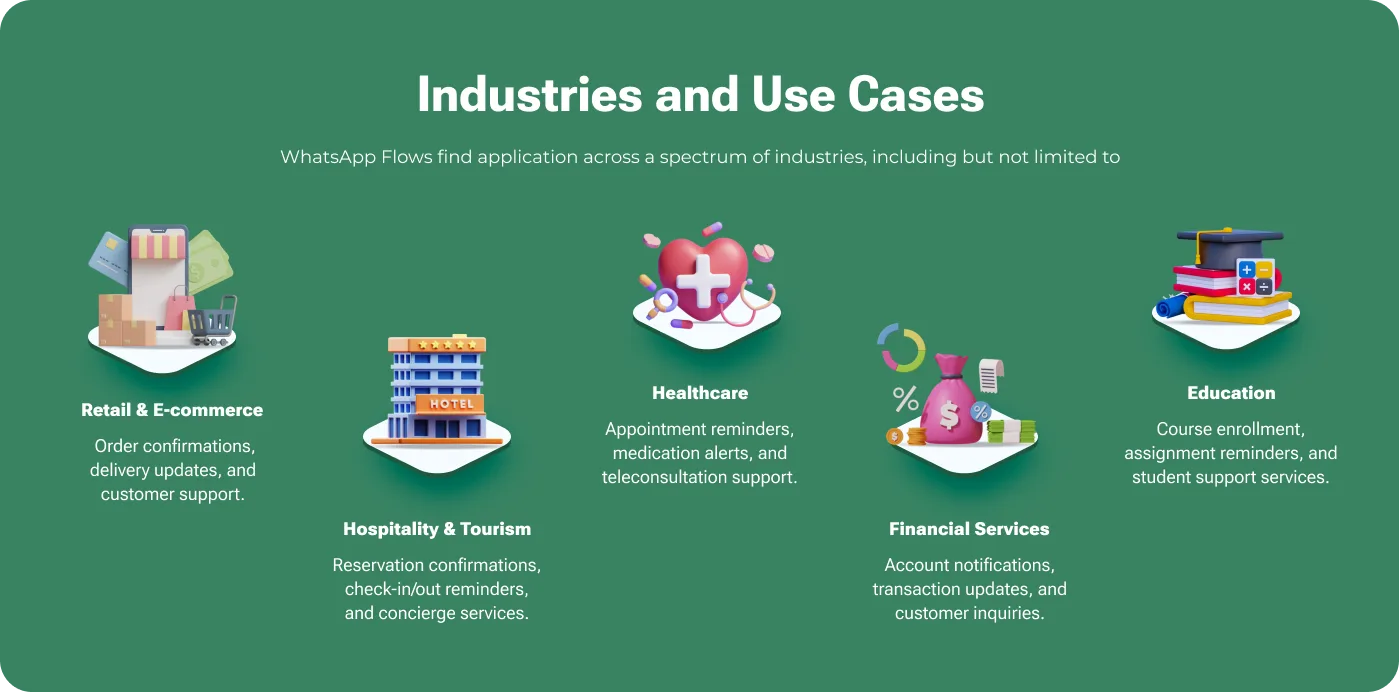
WhatsApp Flows are interactive message types — list messages, reply buttons, and single or multi-product messages — that let customers tap through structured options inside WhatsApp instead of typing free-text replies.
-
How does WhatsApp conversation pricing work?
Meta charges per 24-hour conversation window, not per message. Within each window your team can send unlimited messages, and the module manages the window automatically.
-
Do I need approved message templates?
Business-initiated messages use templates that Meta must approve first. The module supports templates in the Marketing, Utility, Authentication, and Service categories, both text-based and multimedia.
-
What do I need from Meta to get started?
You need a WhatsApp Business Account, access to the WhatsApp Cloud API, and a permanent access token. These are entered once in the Odoo WhatsApp configuration.
-
Does the module handle inbound and outbound messages?
Yes. It covers service conversations a customer starts and business conversations your team initiates, so inbound support and outbound outreach both run through Odoo.
-
Is setup help available?
Yes. The module includes 90 days of bug-fix support, Monday to Friday, 10:00–19:00 IST. TechUltra also offers a paid Odoo and Meta account setup service for teams that want assisted onboarding.
Listing verified against the Odoo App Store:
Related solutions
Whole-platform solutions that complement WhatsApp Flows (Enterprise).
WhatsApp ↔ Odoo Integration
Connect WhatsApp to Odoo: two-way WhatsApp Business API sync, order and invoice messages, payment links and one shared team inbox. Free demo from a Gold Partner.
AI WhatsApp Chatbot
LLM-powered WhatsApp chatbot grounded in your Odoo data. Handles ordering, support, FAQs, and lead qualification with human-agent escalation.
Odoo WhatsApp Push Notifications
Real-time WhatsApp push notifications in Odoo — web, Android, iOS. Customer names in Discuss instead of phone numbers. Compatible with Odoo 17 and 18.
Related services
Get the most out of this module with senior TechUltra consultants.
Odoo Customization Services
Odoo customization from a Gold Partner: custom modules, workflows, reports and Studio changes, written upgrade-safe and quoted at a fixed scope. Free scoping call.
Hire Odoo Developers
Hire certified Odoo developers from a Gold Partner: one developer or a team, full-time or part-time, 70–160 hours a month. Silver, Gold or Platinum plan, free trial.
Odoo Support Services & Maintenance
Odoo support services from a Gold Partner: functional and technical support plus server cover for Enterprise and Community, 30-minute P1 response, 24/7 option.







