

Odoo App · Documents & Files
Advanced Binary Upload Widget
Drag-and-drop multi-file uploads for Many2Many attachment fields in Odoo.

Overview
Advanced Binary Upload Widget replaces Odoo's default Many2Many attachment field with a modern drag-and-drop uploader. Instead of opening a pop-up to attach files one at a time, users drop several files directly onto the form view and they upload at once.
Built by TechUltra Solutions, the widget is built on Odoo's native JavaScript framework and is wired to the standard ir.attachment model, so it works alongside Odoo's normal attachment handling rather than replacing it. Uploaded files can be previewed and removed before the record is saved.
The widget is turned on with a single XML attribute on the Many2Many field, so it can be added to standard Odoo models and to custom modules without writing new logic. It suits any form that collects documents, images, reports, or other business files.
Key features
-
Drag-and-drop multi-file upload
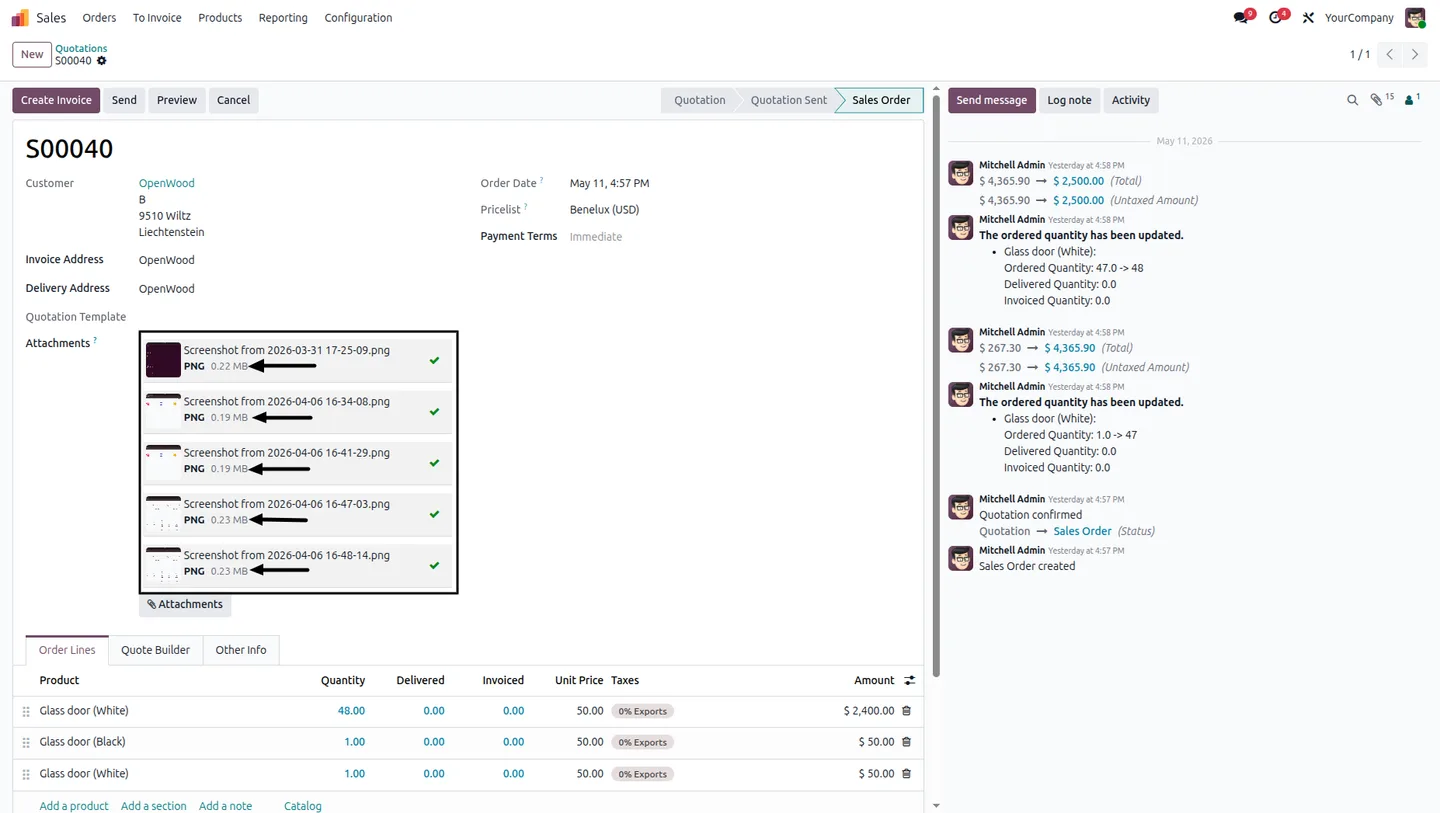
Drop several files at once onto a Many2Many attachment field. Document handling becomes faster than picking files one at a time through a dialog.
-
Native attachment integration
The widget is wired directly to Odoo's ir.attachment model, so uploaded files behave like any other Odoo attachment and work with standard attachment workflows.
-
Instant upload, no page reload
Files upload immediately without refreshing the form, so users keep working in the same view without an interruption.
-
Preview and remove before saving
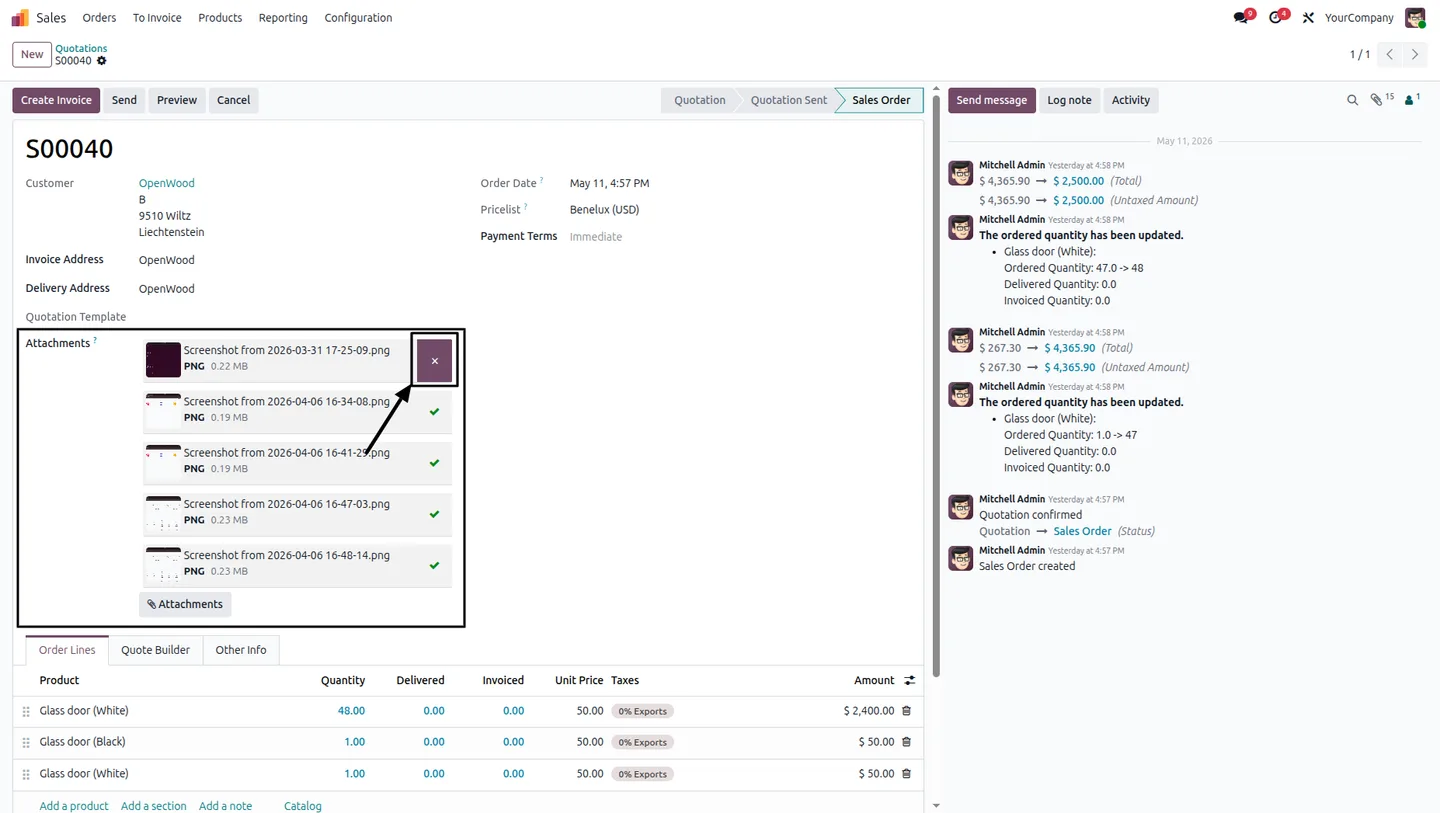
Uploaded files appear straight away, and users can preview them and remove any that are not needed before the record is saved.
-
One-attribute setup
Turn the widget on by adding a single XML attribute to a Many2Many field — no extra configuration screens or custom code.
-
Works on standard and custom models
Because it is enabled per field, the widget can be applied to standard Odoo models and to your own custom modules alike.
-
Lightweight, responsive interface
A clean, simple interface keeps the upload area fast and responsive, so it adds capability without slowing the form down.
Advanced Binary Upload Widget in Odoo
Every screen, in the order you meet it — configuration first, then the module in use.


Technical details
Specification
- Publisher
- TechUltra Solutions Private Limited
- Technical name
- advanced_many2many_binary_upload
- Odoo versions
- 16.0, 17.0, 18.0, 19.0, 20.0
- Lines of code
- 151
- License
- Odoo Proprietary License v1.0 (OPL-1)
- Price
- $15.28 (one-time)
Deployment
- Odoo Online
- Odoo.sh
- On-premise
Odoo dependencies
- Sales
- Invoicing
- Discuss
Support
90 days of bug-fix support, Monday to Friday (10:00–19:00 IST). Raise a ticket at support@techultra.in.
Setup & configuration
From install to first call — here is the path.
- 1
Install the module
In Odoo, open Apps, remove the Apps filter, search for “Advanced Binary Upload Widget”, and click Install.
- 2
Pick a Many2Many attachment field
Identify a Many2Many field linked to the ir.attachment model on the model where you want drag-and-drop uploads.
- 3
Enable the widget
In the form view, add the module's widget attribute to that Many2Many field so the drag-and-drop uploader replaces the default control.
- 4
Apply it to custom models
Repeat the same XML attribute on Many2Many attachment fields in your own custom modules wherever multi-file upload is useful.
- 5
Test the upload
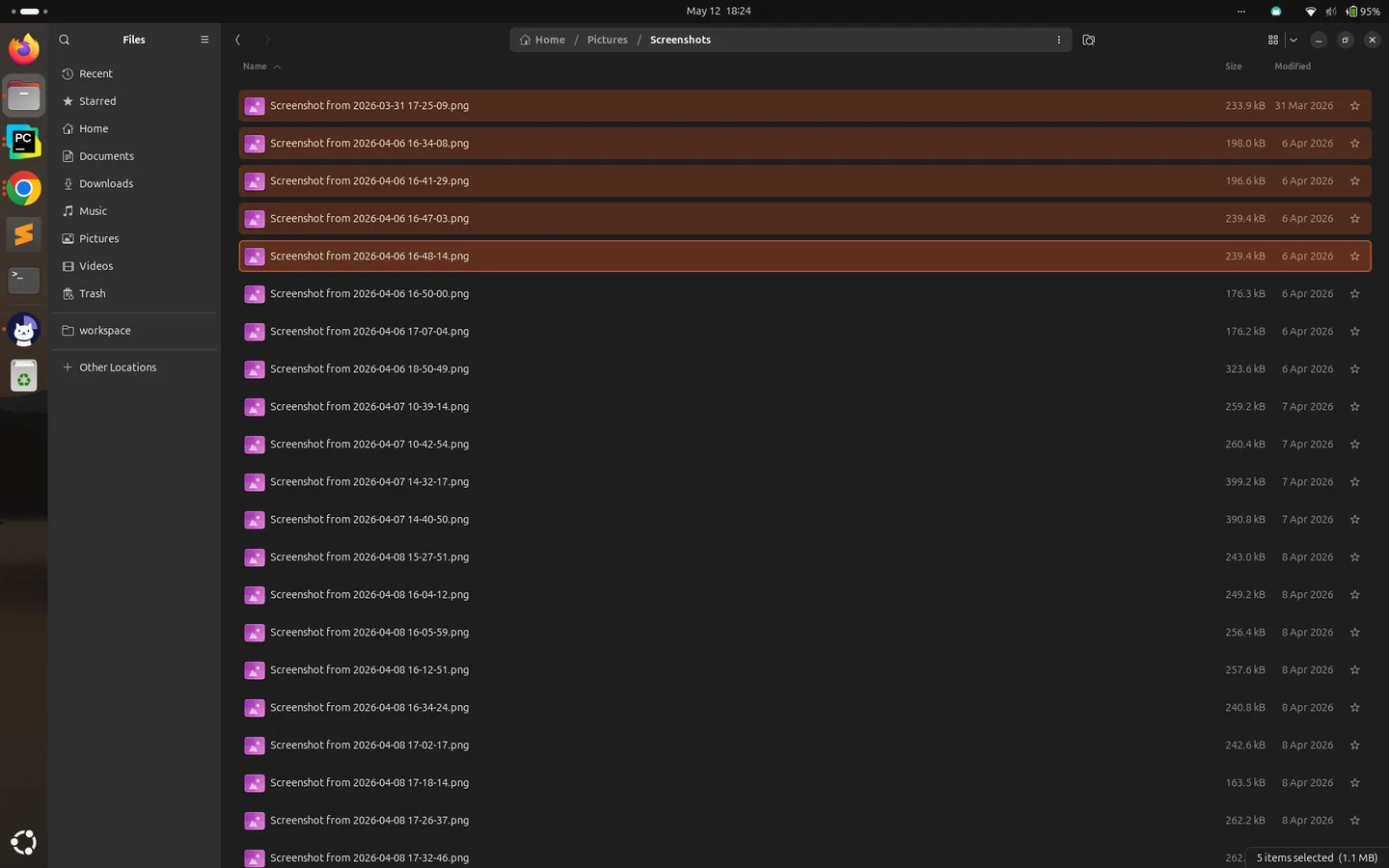
Open a record, drag several files onto the field, confirm they upload instantly, then preview or remove a file before saving.
Frequently asked questions
-
What does the widget do?
It replaces the default Many2Many attachment control with a drag-and-drop uploader, so users can drop several files onto a form view and upload them at once.
-
How do I enable it on a field?
You add a single XML attribute to a Many2Many field linked to ir.attachment. No extra configuration screens or custom code are needed.
-
Does it work with custom modules?
Yes. Because the widget is enabled per field, you can apply it to standard Odoo models and to your own custom modules in the same way.
-
Do uploads require a page reload?
No. Files upload instantly without refreshing the form, so users stay in the same view while attachments are added.
-
Can users review files before saving?
Yes. Uploaded files appear immediately, and users can preview them and remove any unwanted files before the record is saved.
-
Is it compatible with Odoo's standard attachments?
Yes. The widget is wired to Odoo's native ir.attachment model, so uploaded files behave like any other Odoo attachment and work with standard attachment workflows.
-
Which Odoo versions are supported?
The module supports Odoo 16.0, 17.0, 18.0, 19.0, and 20.0, in both the Community and Enterprise editions.
-
Is support included?
Yes. The module includes 90 days of bug-fix support, Monday to Friday, 10:00–19:00 IST.
Listing verified against the Odoo App Store:
Related solutions
Whole-platform solutions that complement Advanced Binary Upload Widget.
Related services
Get the most out of this module with senior TechUltra consultants.
Odoo Customization Services
Odoo customization from a Gold Partner: custom modules, workflows, reports and Studio changes, written upgrade-safe and quoted at a fixed scope. Free scoping call.
Hire Odoo Developers
Hire certified Odoo developers from a Gold Partner: one developer or a team, full-time or part-time, 70–160 hours a month. Silver, Gold or Platinum plan, free trial.
Odoo Support Services & Maintenance
Odoo support services from a Gold Partner: functional and technical support plus server cover for Enterprise and Community, 30-minute P1 response, 24/7 option.







