Odoo App · AI & Automation
AI Video Knowledge — Screen Recording, Transcripts & Guided Tours
Record a screen inside Odoo and let AI turn it into a transcript, a structured manual, voice-over notes, and a clickable onboarding tour.
Overview
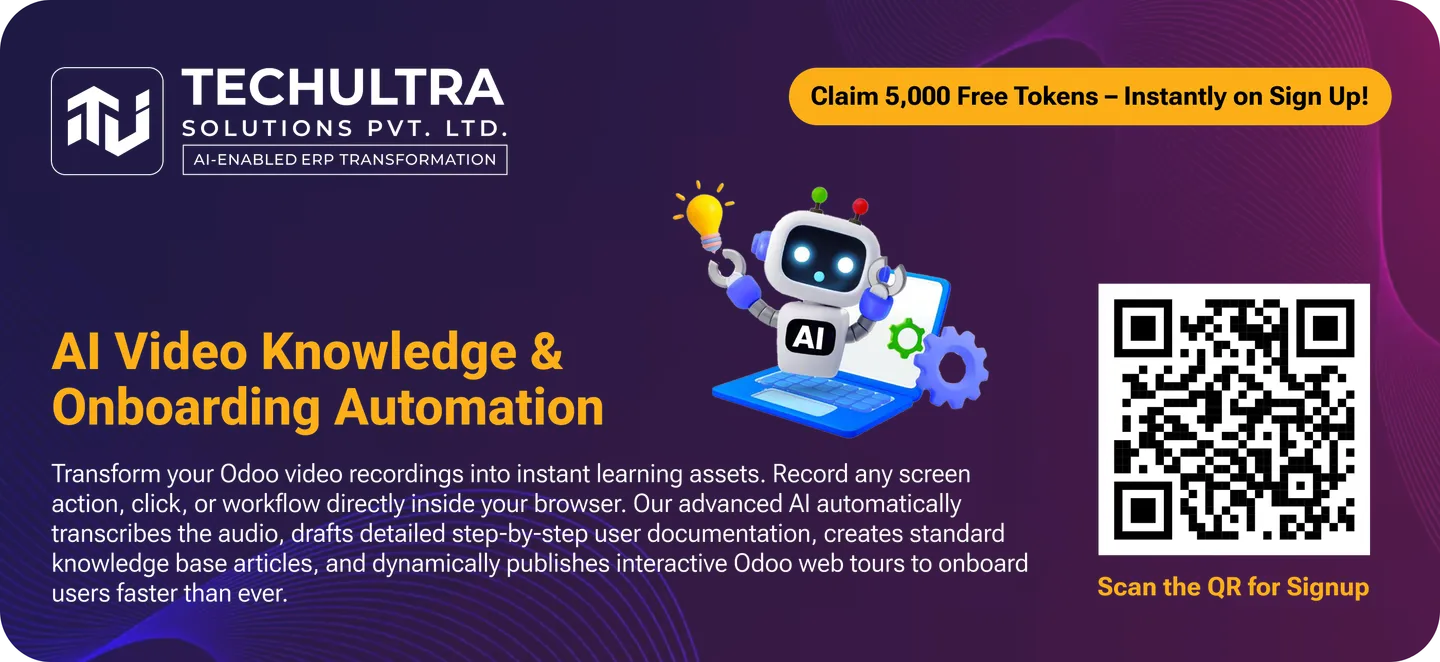
Writing Odoo documentation and onboarding material by hand is slow, and it goes stale the moment a workflow changes. AI Video Knowledge collapses that work: an operator records a task once, and AI turns the recording into the written manual, the narration, and a clickable in-app tour — all inside Odoo.
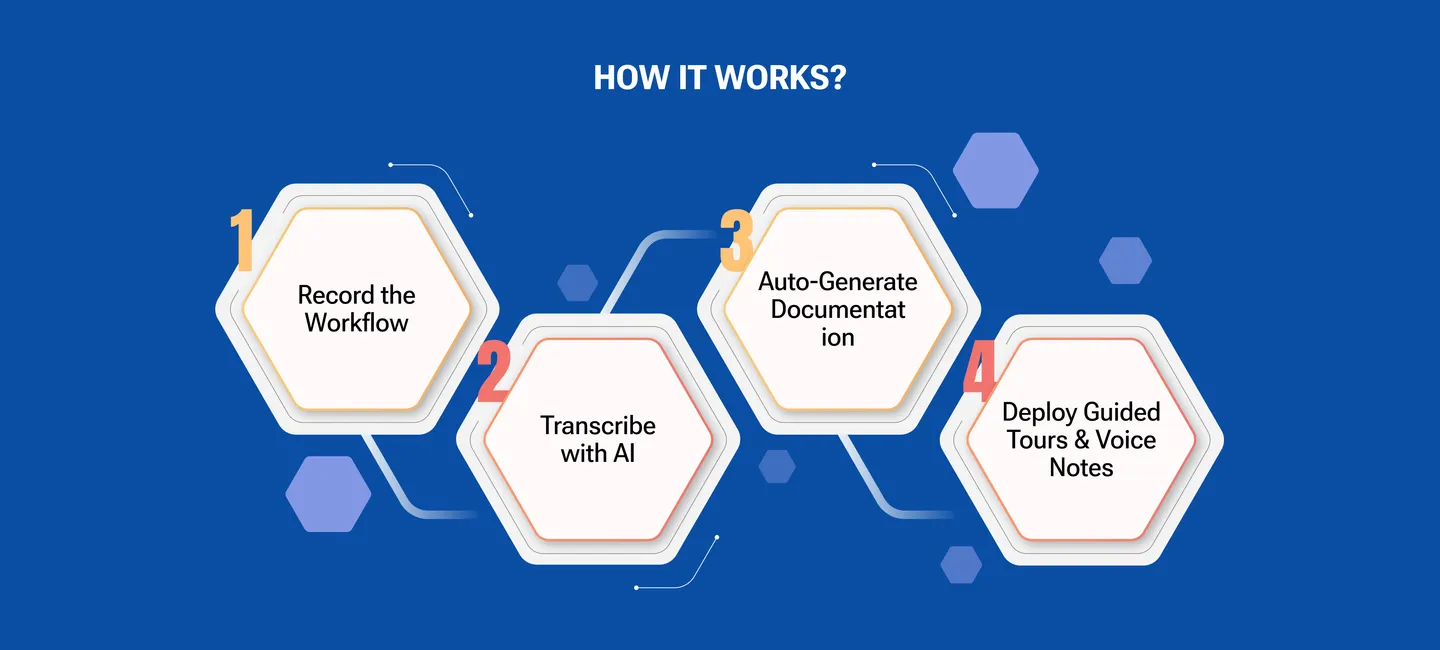
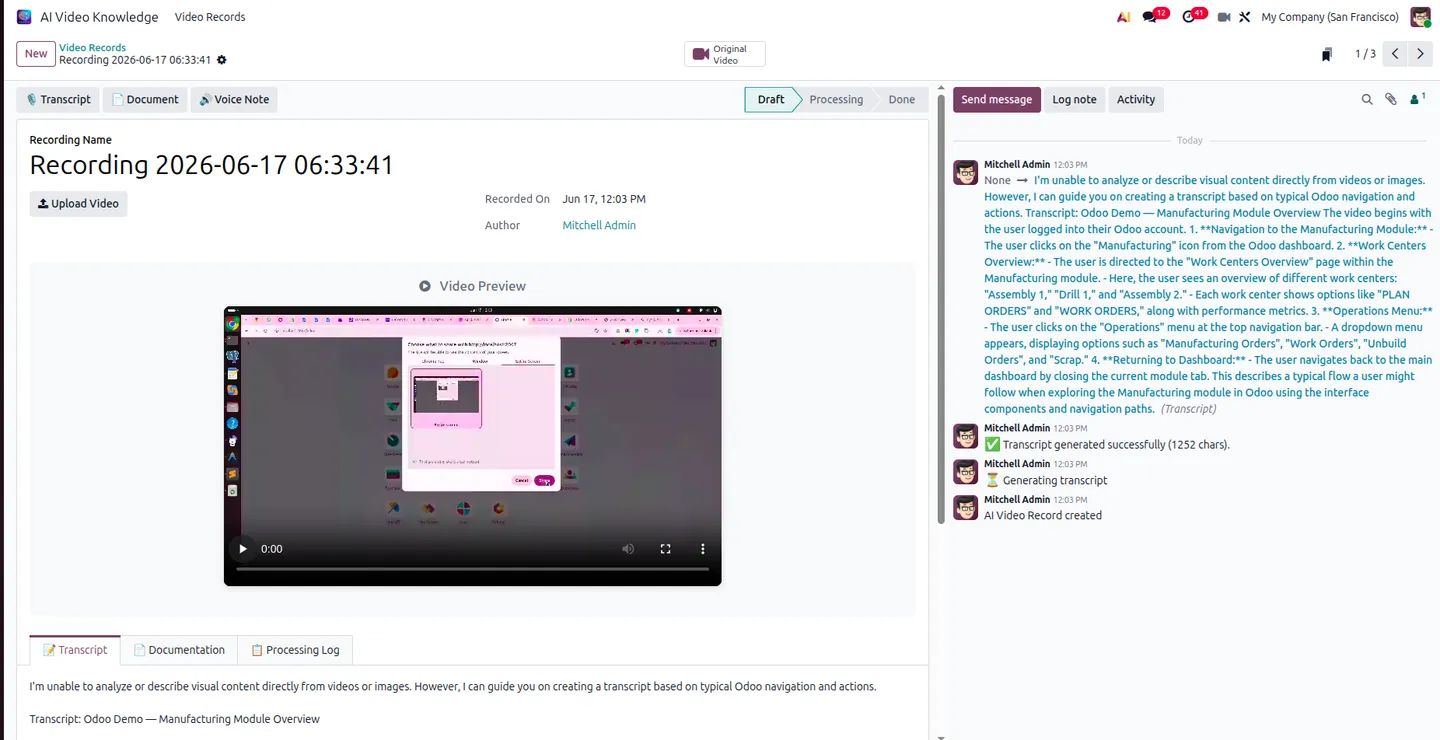
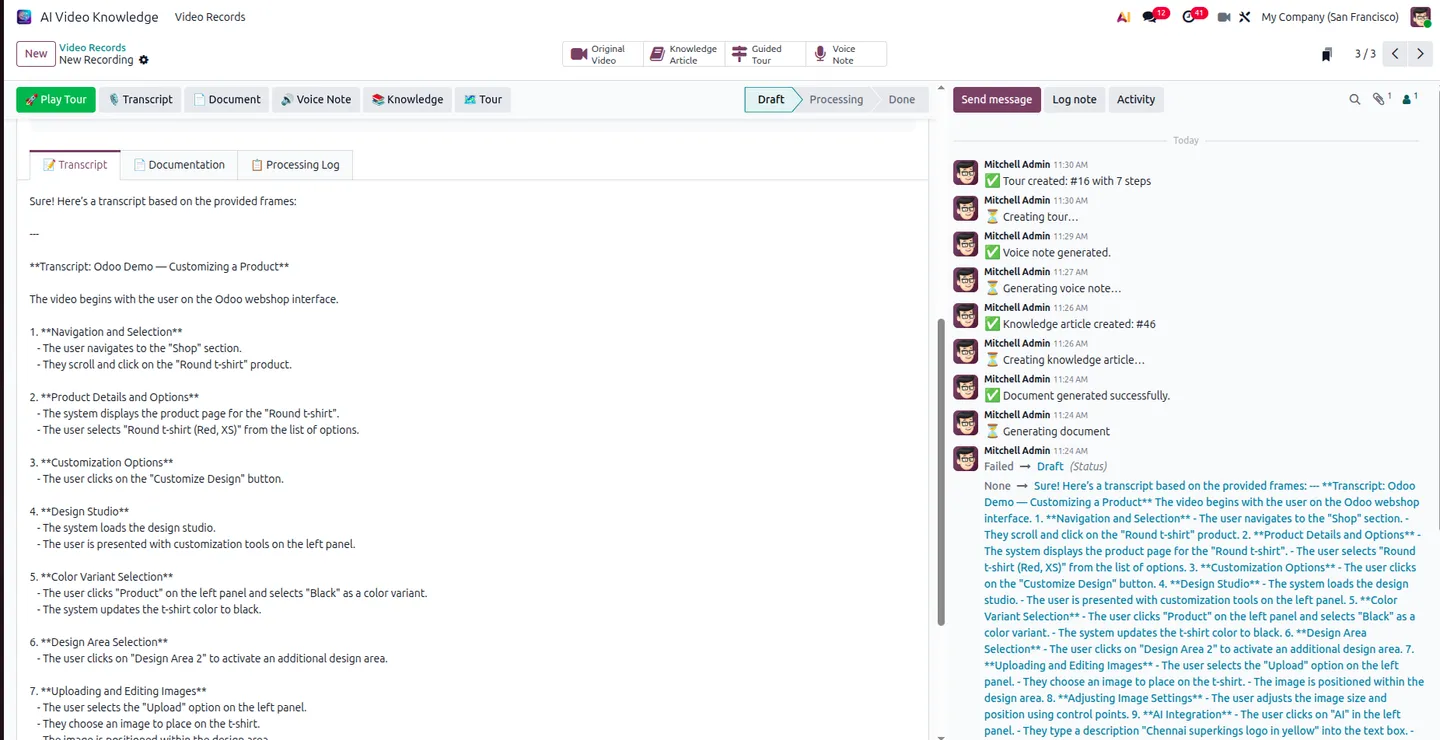
A lightweight recorder lives in the Odoo systray. Click the camera icon to capture a screen, browser tab, or single application window; click again to stop and save. The saved recording opens in the AI Video Knowledge app, where a single action transcribes every click, system response, and dialogue into a chatter log with real-time progress, then compiles an HTML manual with Overview, Steps, and Key Takeaways sections.
From the same record the module generates lifelike text-to-speech voice notes to narrate a guide, parses the recorded clicks into a working Odoo web tour you can replay live with a Play Tour button, and publishes the finished manual — screenshots included — as a formatted article in Odoo's Knowledge app. AI runs through the Fynix gateway, so the same features work identically on Community and Enterprise.
Key features
-
In-app screen recorder
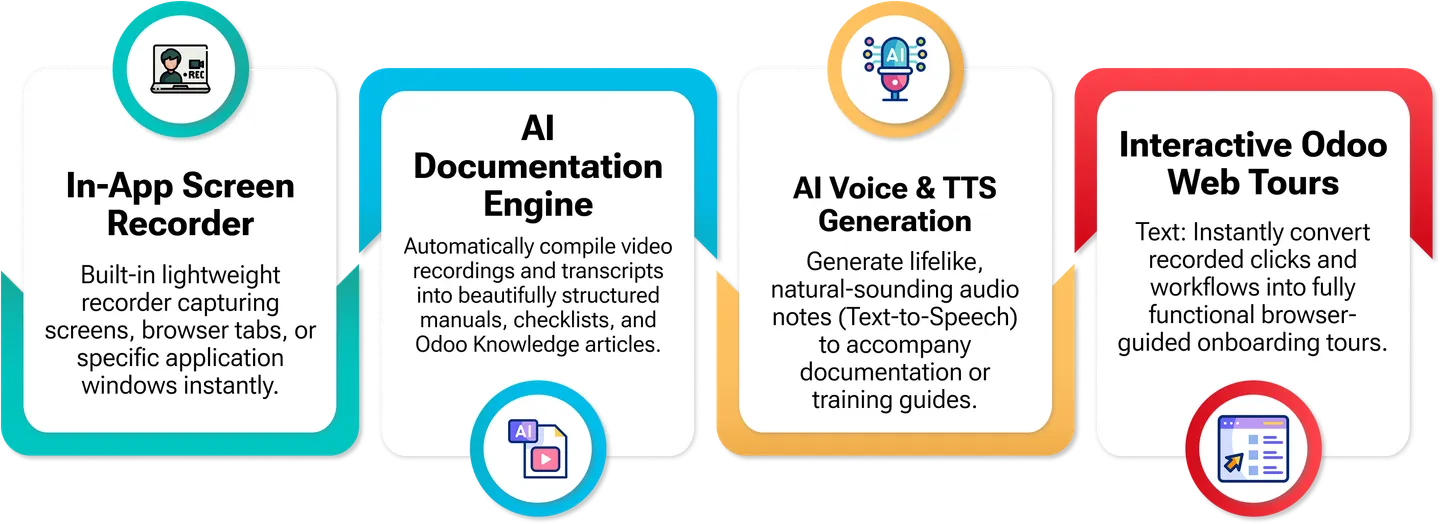
A lightweight recorder in the Odoo systray captures screens, browser tabs, or a specific application window — click the camera icon to start, click again to stop and save.
-
AI documentation engine
Recordings and transcripts are compiled automatically into structured HTML manuals, checklists, and Odoo Knowledge articles with Overview, Steps, and Key Takeaways sections.
-
AI transcripts with action detail
One click transcribes the recording — the AI details every action step, system response, and dialogue, with real-time progress shown in the chatter log.
-
AI voice & text-to-speech
Generate natural-sounding audio notes to narrate documentation or training guides, produced from the recording's content.
-
Interactive Odoo web tours
The AI parses recorded clicks into a fully functional browser-guided onboarding tour you can run live from a Play Tour button — no manual tour scripting.
-
Publish to Odoo Knowledge
Export generated manuals and instructions as formatted articles, complete with system screenshots, directly into Odoo's official Knowledge application.
-
Community + Enterprise parity
Engineered to deliver identical features on both Odoo Community and Enterprise, with AI handled through the Fynix AI gateway.
AI Video Knowledge — Screen Recording, Transcripts & Guided Tours in Odoo
Every screen, in the order you meet it — configuration first, then the module in use.
Technical details
Specification
- Publisher
- TechUltra Solutions Private Limited
- Technical name
- ai_video_knowledge
- Odoo versions
- 19.0, 20.0 (Community & Enterprise)
- Lines of code
- 1,403
- License
- Odoo Proprietary License v1.0 (OPL-1)
- Price
- $100 (one-time) + AI tokens
Deployment
- Odoo Online
- Odoo.sh
- On-premise
Odoo dependencies
- Discuss (mail)
- Fynix AI Connector (fynix_ai_connector)
Support
90 days of bug-fix support, Monday to Friday (10:00–19:00 IST). AI runs on pay-as-you-go Fynix tokens (2 million for $20). Raise a ticket at support@techultra.in.
Setup & configuration
From install to first call — here is the path.
- 1
Get a Fynix AI key and tokens
Register at ai.fynix.app, copy your authentication key from the dashboard, and purchase AI processing tokens (2 million for $20) from the Fynix shop.
- 2
Install and connect
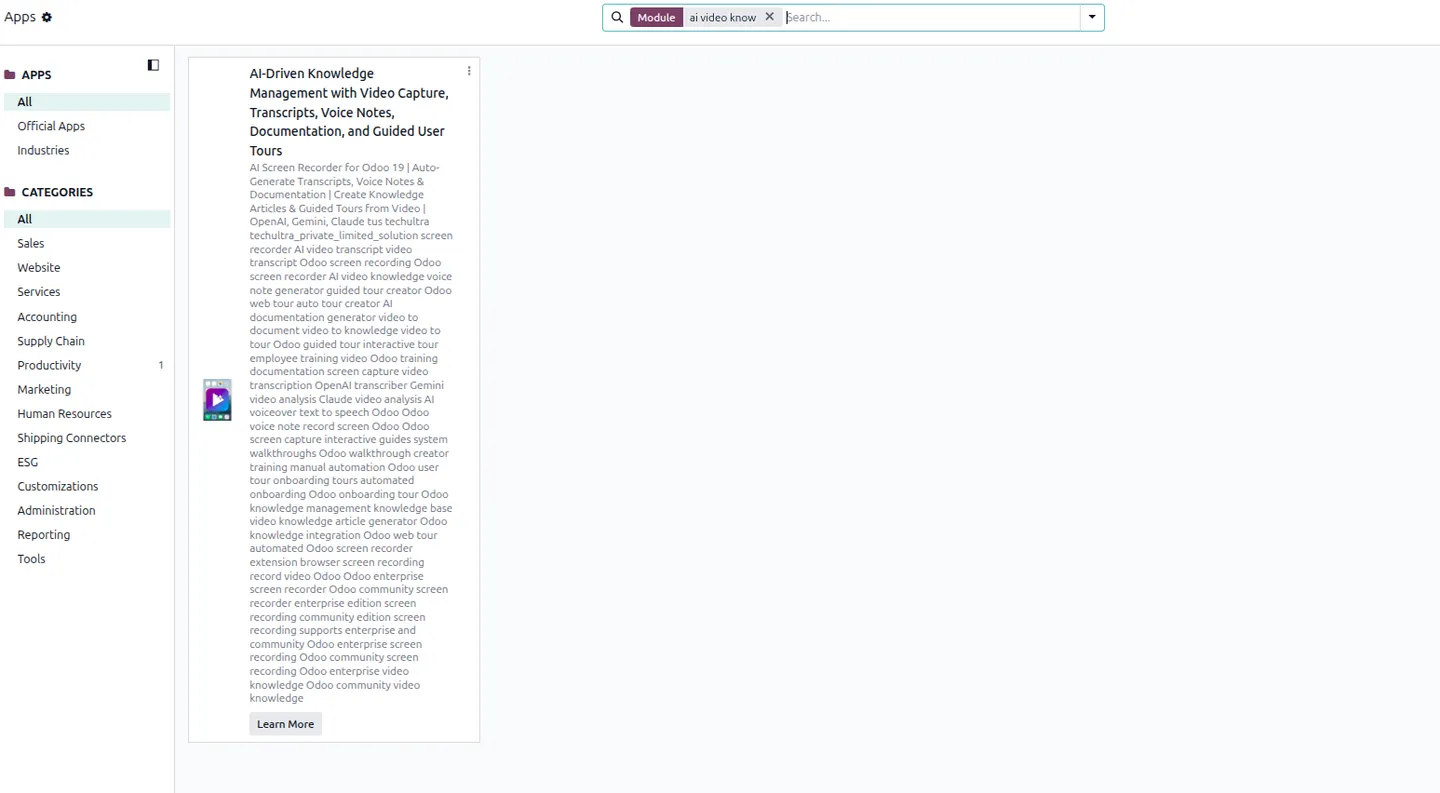
Install AI Video Knowledge (it pulls in the Fynix AI Connector), then paste your key under Settings → General Settings → Fynix AI Settings and save.
- 3
Record a workflow
Click the camera icon in the Odoo systray to start recording a screen, tab, or window; click again to stop and save. The recording appears in the AI Video Knowledge app.
- 4
Generate and publish
Open the record and click Perform All (or Transcript) to transcribe and build the manual, voice notes, and guided tour. Run the tour with Play Tour, or publish the manual to Odoo Knowledge.
Frequently asked questions
-
Does this work on Odoo Community?
Yes. The module is engineered to deliver identical features on both Community and Enterprise — screen recording, transcripts, manuals, voice notes, and guided tours all work the same way, because AI is handled through the Fynix AI gateway rather than an Enterprise-only service.
-
What AI does it use, and is that an extra cost?
AI runs through the Fynix AI gateway (installed via the bundled Fynix AI Connector). Processing is pay-as-you-go: 2 million tokens cost $20, purchased separately at ai.fynix.app, on top of the one-time $100 module price.
-
What does the AI actually generate from a recording?
A transcript detailing every action and system response, an HTML manual (Overview, Steps, Key Takeaways), natural-sounding text-to-speech voice notes, and a clickable Odoo web tour built from the recorded clicks — all of which can be published to Odoo Knowledge with screenshots.
-
What can it record?
A full screen, a specific browser tab, or a single application window — chosen when you start the recording from the systray camera icon.
-
Which Odoo version and editions are supported?
Odoo 19.0 and 20.0, both Community and Enterprise, deployable on Odoo Online, Odoo.sh, or on-premise. It depends on Discuss and the Fynix AI Connector.
Listing verified against the Odoo App Store:
Related services
Get the most out of this module with senior TechUltra consultants.
Odoo Customization Services
Odoo customization from a Gold Partner: custom modules, workflows, reports and Studio changes, written upgrade-safe and quoted at a fixed scope. Free scoping call.
Hire Odoo Developers
Hire certified Odoo developers from a Gold Partner: one developer or a team, full-time or part-time, 70–160 hours a month. Silver, Gold or Platinum plan, free trial.
Odoo Support Services & Maintenance
Odoo support services from a Gold Partner: functional and technical support plus server cover for Enterprise and Community, 30-minute P1 response, 24/7 option.