Odoo App · AI & Inventory
AI Forecast & Supply Dashboard — Natural-Language Replenishment
Ask a supply-chain question in plain English and get a forecast cockpit — order suggestions, stock-out alerts, seasonal demand, vendor rankings, and draft POs.
Overview
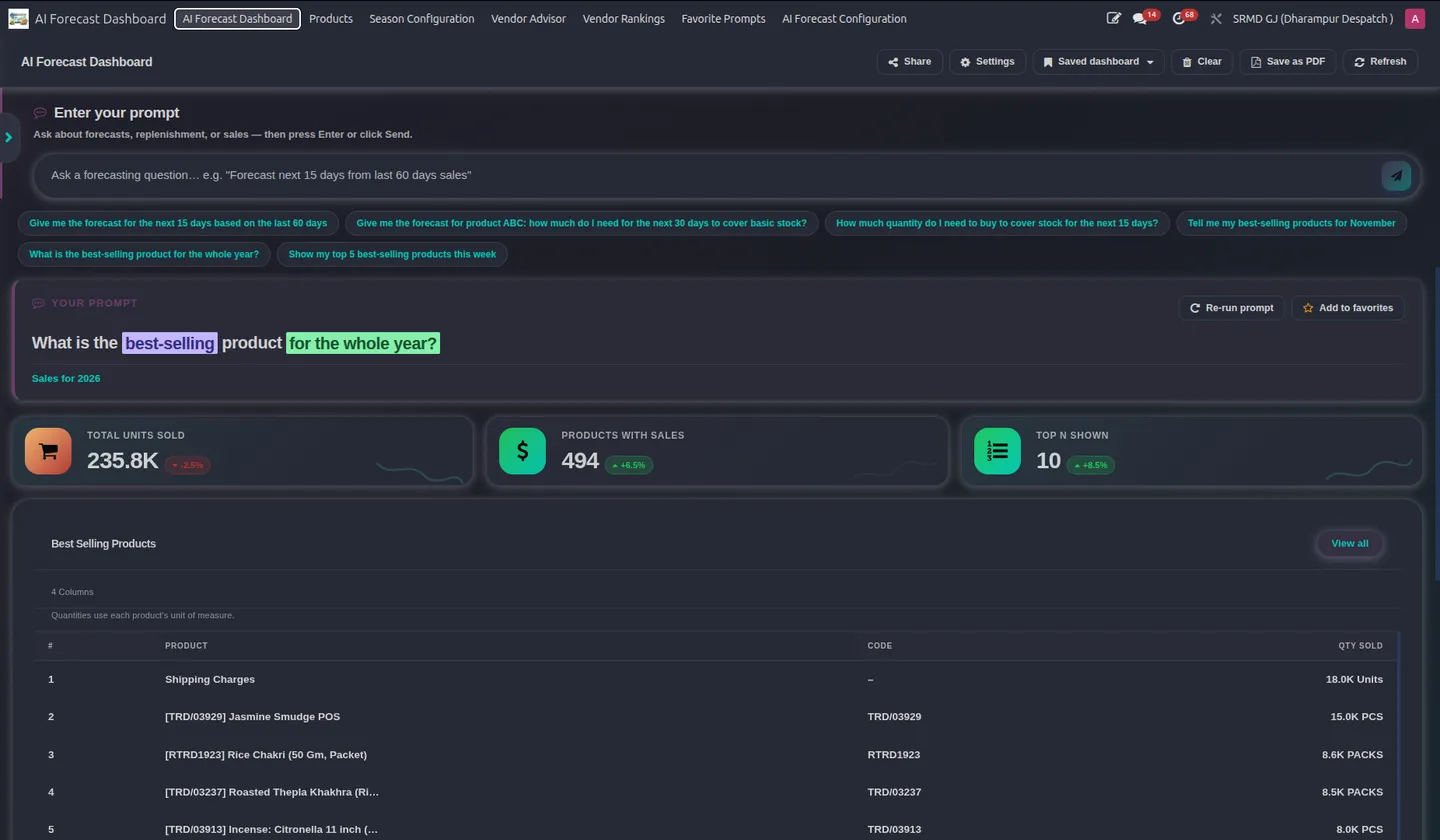
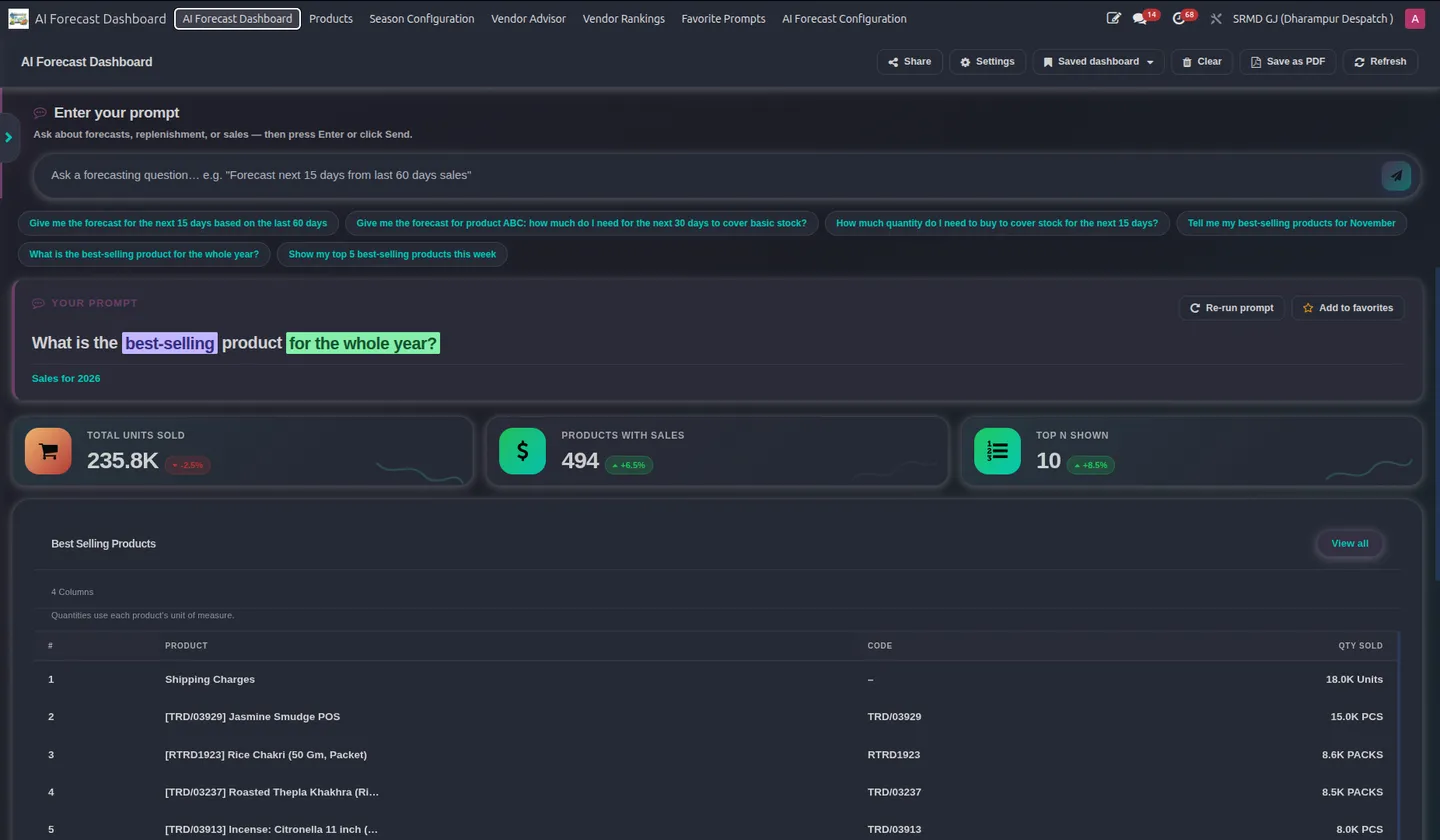
Demand forecasting in Odoo usually means exporting data and wrestling with spreadsheets. AI Forecast & Supply Dashboard moves that into Odoo and drives it with natural language: a planner types a question like "what should I reorder for next month?" and the AI interprets the intent, runs the numbers, and builds the dashboard automatically.
The forecast cockpit shows forecasted items, suggested order quantities across products, stock-out risk alerts, and seasonal demand estimates. Bulk forecast runs process hundreds of products at once using sales history, POS data, current inventory, and purchase-order parameters, while seasonal planning compares date ranges against prior-year performance to anticipate demand swings.
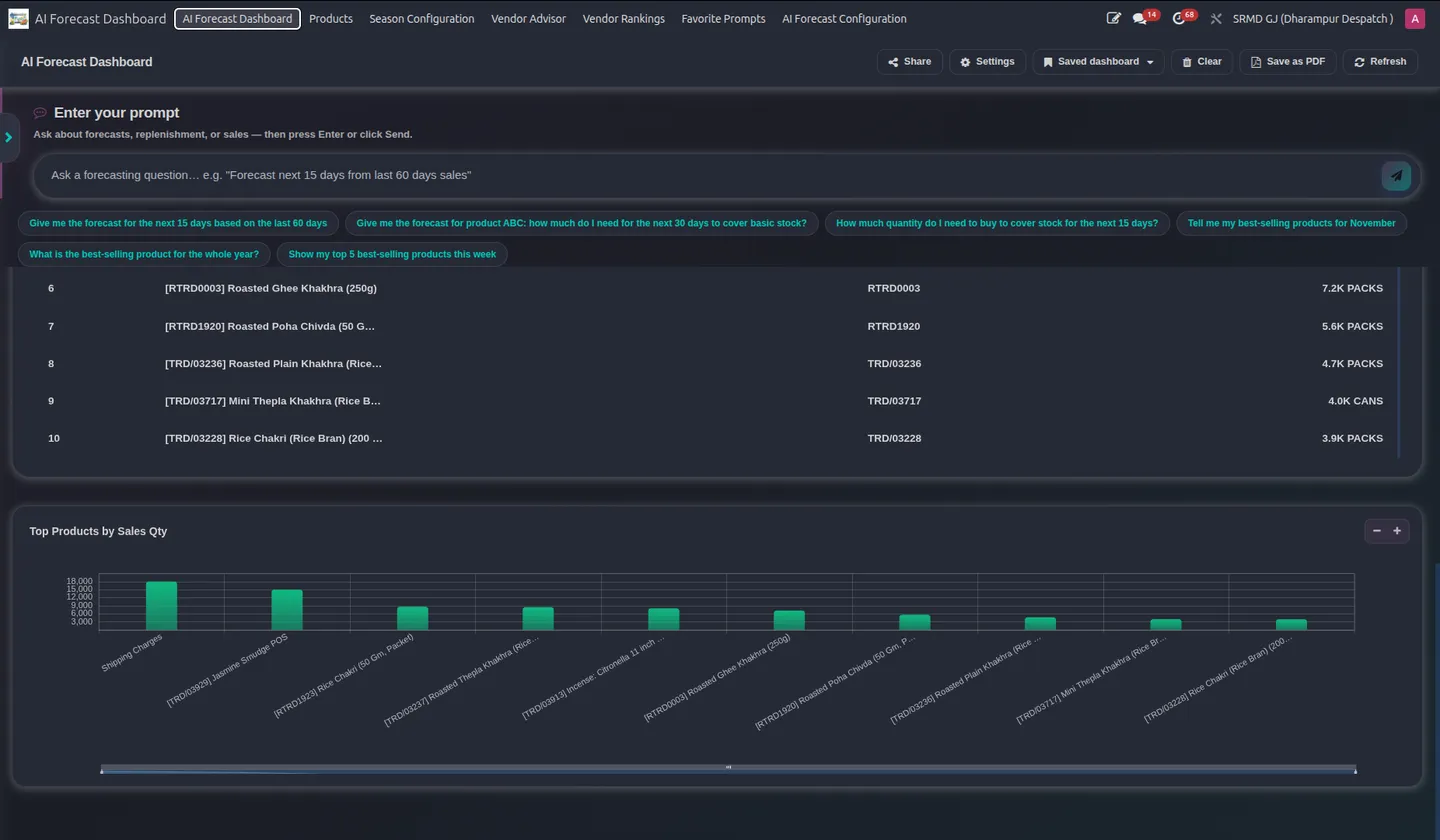
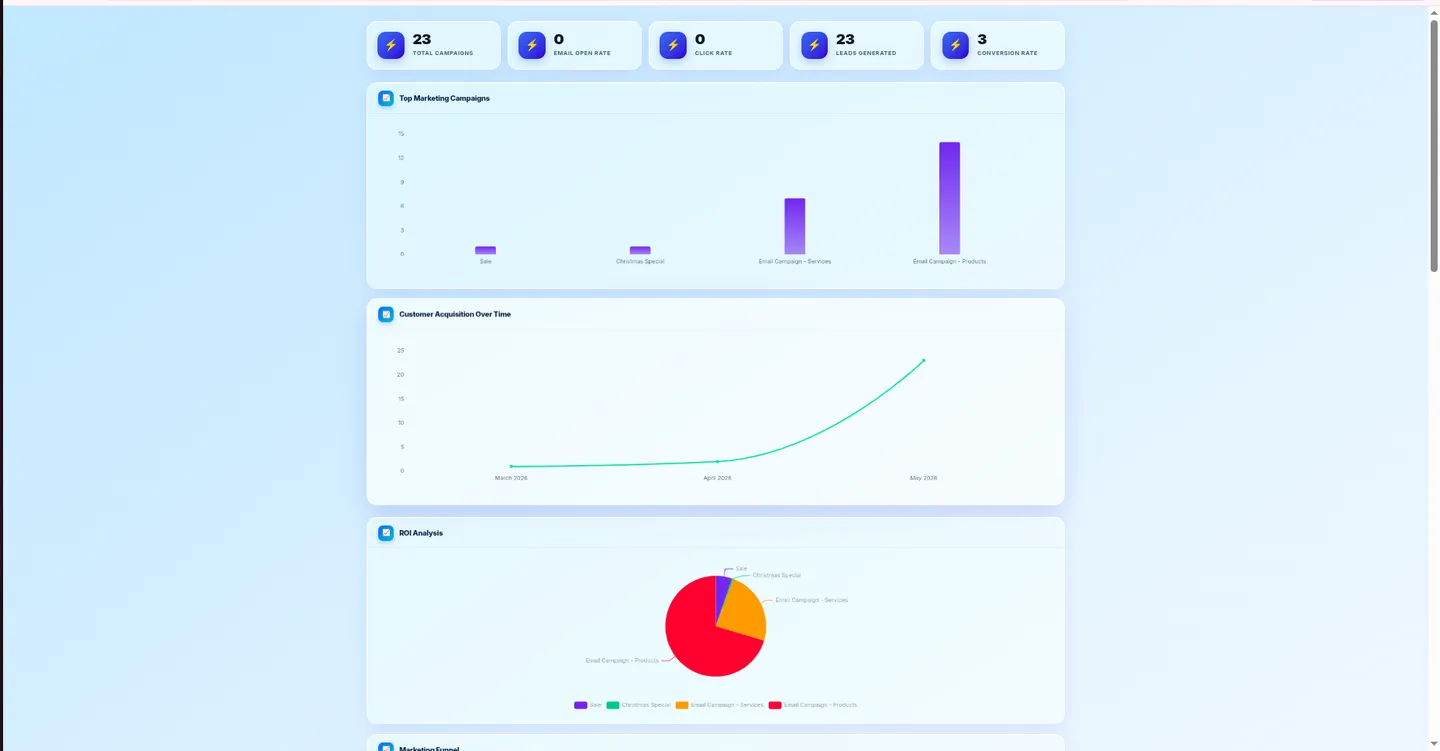
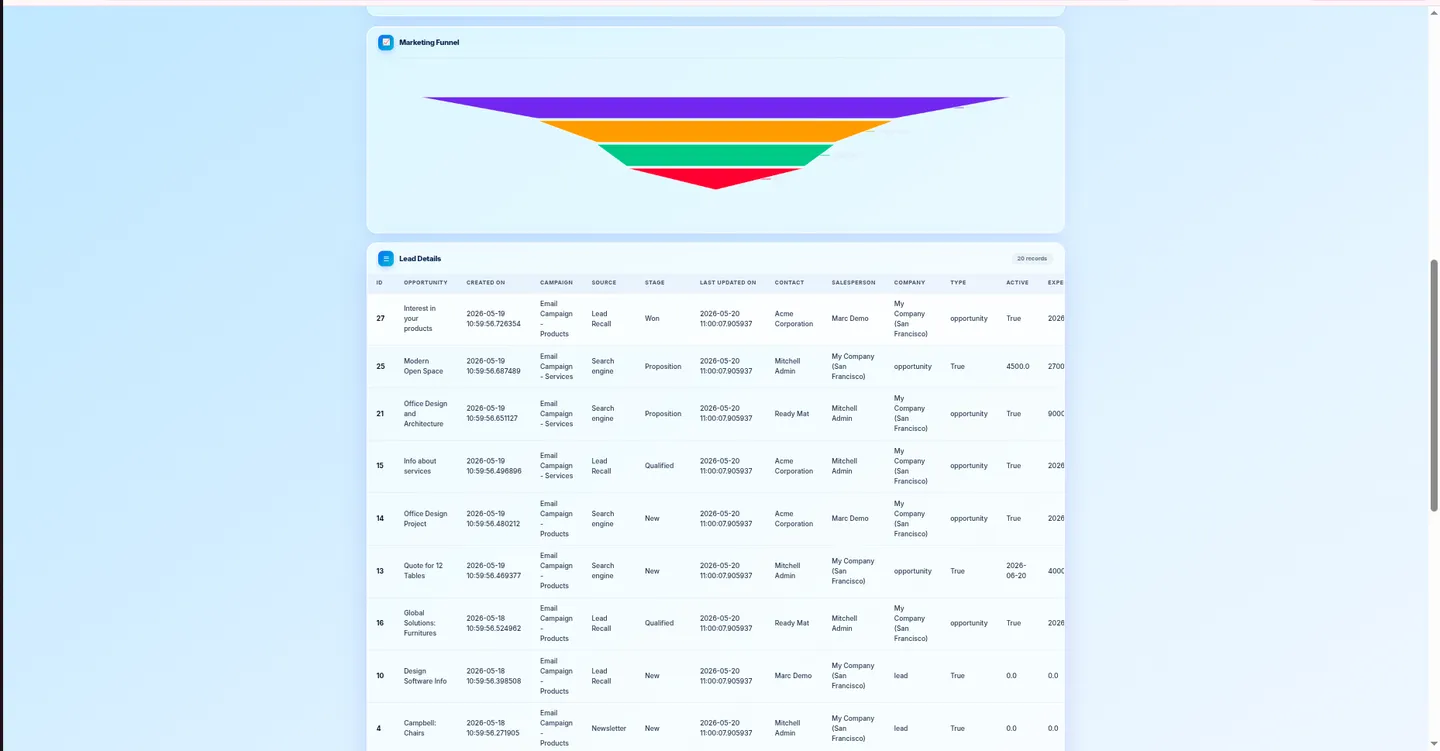
Beyond forecasting, the module ranks vendors on delivery lead time, pricing, and fulfilment reliability, generates charts of demand trends and best-sellers by period, and converts its replenishment suggestions directly into draft purchase orders. Frequently used queries can be pinned as saved dashboards, and an optional vendor-portal view lets you share relevant data with suppliers and warehouse managers. AI runs through the Fynix gateway.
Key features
-
Natural-language forecasting
Ask complex forecasting questions in plain English; the AI interprets the context and constructs a custom dashboard automatically.
-
AI forecast cockpit
See forecasted items, suggested order quantities across products, stock-out risk alerts, and seasonal demand estimates in one view.
-
Bulk forecast runs
Forecast hundreds of products at once using sales history, POS data, inventory levels, and purchase-order parameters.
-
Replenishment intelligence
Identifies which products need ordering and calculates the precise quantities required for a chosen timeframe.
-
Seasonal planning
Analyses date ranges and historical data to forecast seasonal demand and compare it against prior-year performance.
-
Vendor performance ranking
Ranks suppliers on delivery lead time, pricing competitiveness, and fulfilment reliability.
-
Draft purchase orders
Converts forecast suggestions directly into draft POs, so procurement starts from the recommendation instead of a blank order.
-
Saved dashboards & vendor portal
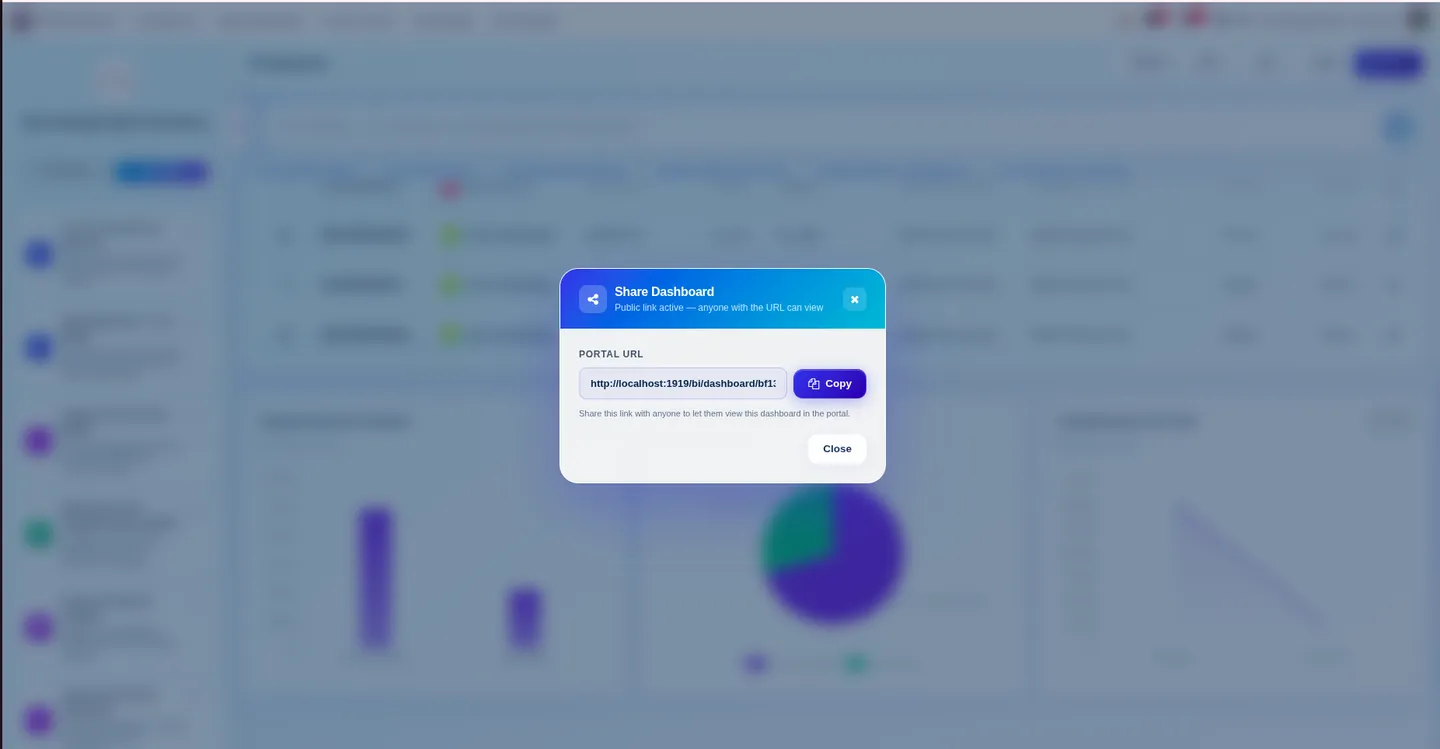
Pin frequently used queries with execution history, and optionally share dashboards with external suppliers and warehouse managers through a secure portal view.
AI Forecast & Supply Dashboard — Natural-Language Replenishment in Odoo
Every screen, in the order you meet it — configuration first, then the module in use.
Technical details
Specification
- Publisher
- TechUltra Solutions Private Limited
- Technical name
- tus_ai_forecast_dashboard
- Odoo versions
- 18.0
- Lines of code
- 43,359
- License
- Odoo Proprietary License v1.0 (OPL-1)
- Price
- $70 (one-time) + AI tokens
Deployment
- Odoo Online
- Odoo.sh
- On-premise
Odoo dependencies
- Discuss (mail)
- Inventory (stock)
- Purchase (purchase)
- Sales (sale_management)
- Website (website)
- Invoicing (account)
Support
90 days of bug-fix support, Monday to Friday (10:00–19:00 IST). AI runs on pay-as-you-go Fynix tokens (2 million for $20). Raise a ticket at support@techultra.in.
Setup & configuration
From install to first call — here is the path.
- 1
Get Fynix API credentials
Register at ai.fynix.app and retrieve your authentication token.
- 2
Install and connect
Install the module, open AI Forecast Configuration, add a configuration with your Fynix token, and test the connection.
- 3
Set business rules
Configure seasonal date ranges, vendor ranking criteria, and Min/Max replenishment thresholds so forecasts reflect your operation.
- 4
Forecast and save
Ask questions in plain English to build dashboards, convert suggestions to draft POs, and pin frequent queries under Saved Dashboards for reuse.
Frequently asked questions
-
How do I interact with it — do I build reports manually?
No. You ask in plain English (for example, "which products will stock out in the next 30 days?") and the AI interprets the question, runs the forecast, and builds the dashboard automatically. You can still set business rules like seasonal ranges and Min/Max thresholds.
-
What data does the forecast use?
Sales history, POS data, current inventory levels, and purchase-order parameters. Bulk runs can process hundreds of products at once.
-
Can it create purchase orders?
Yes. Replenishment suggestions convert directly into draft purchase orders, so procurement starts from the recommended quantities rather than a blank PO.
-
Is the AI an additional cost?
Yes. AI runs through the Fynix gateway on pay-as-you-go tokens — 2 million for $20, purchased separately at ai.fynix.app — on top of the one-time $70 module price.
-
Which Odoo version does it need?
Odoo 18.0, deployable on Odoo Online, Odoo.sh, or on-premise. It depends on Inventory, Purchase, Sales, Invoicing, Website, and Discuss.
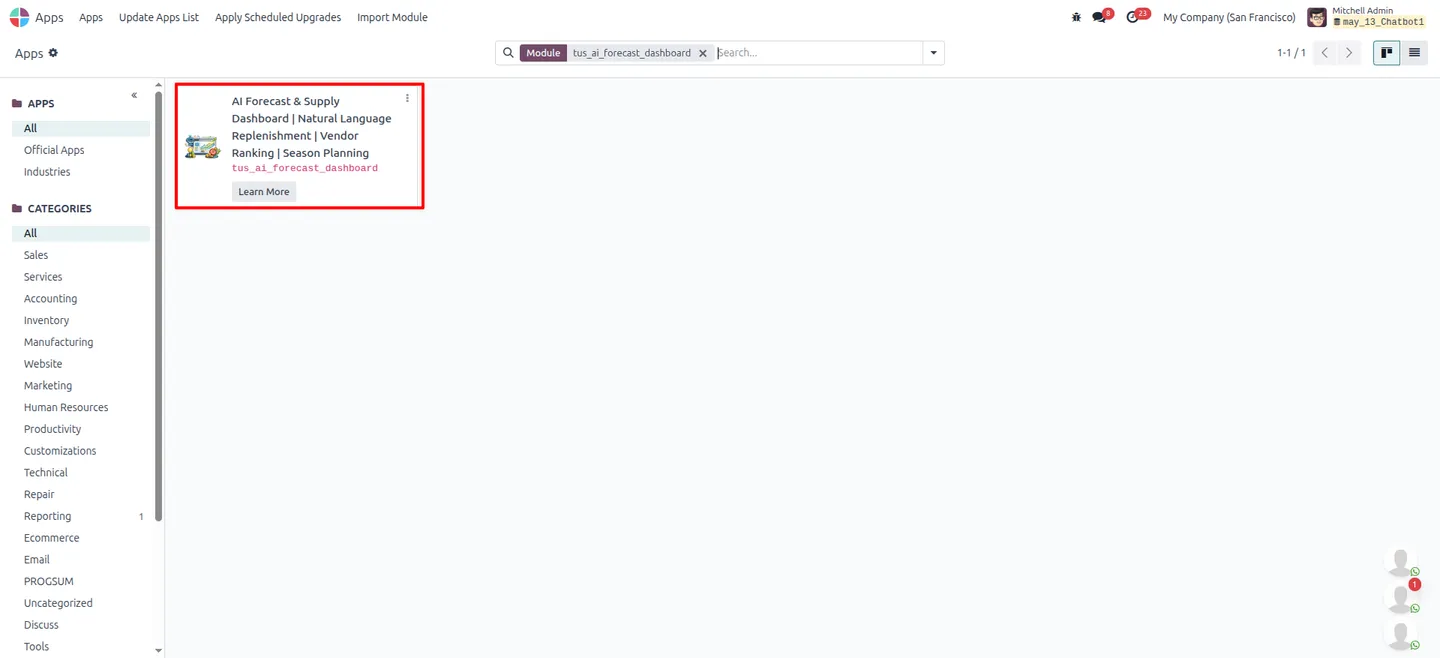
Listing verified against the Odoo App Store:
Related services
Get the most out of this module with senior TechUltra consultants.
Odoo Customization Services
Odoo customization from a Gold Partner: custom modules, workflows, reports and Studio changes, written upgrade-safe and quoted at a fixed scope. Free scoping call.
Hire Odoo Developers
Hire certified Odoo developers from a Gold Partner: one developer or a team, full-time or part-time, 70–160 hours a month. Silver, Gold or Platinum plan, free trial.
Odoo Support Services & Maintenance
Odoo support services from a Gold Partner: functional and technical support plus server cover for Enterprise and Community, 30-minute P1 response, 24/7 option.